
How Amex Offers Work (and How to Never Miss One Again)
Amex Offers only pay out if you enroll first. Here is how they work, where to find them, and how to stop missing credits you would have used.


I have missed Amex Offers on purchases I would have easily qualified for, simply because I forgot to tap Add to Card before checkout. The charge posted. The credit did not. It has happened more than once, and every time the feeling is the same: I was already spending the money, and the only thing standing between me and a statement credit was one tap I skipped.
That is the entire problem with Amex Offers. They can be useful discounts on purchases you are already making, but they require a manual enrollment step that most people either do not know about or forget. The CardStack browser extension can automatically add all of your Chase and Amex offers as you browse those issuers’ websites, which solves the forgetting part. But whether you automate it or not, you should understand how the system works.
What Amex Offers actually are
Amex Offers are targeted merchant deals that show up inside your American Express account. Spend a certain amount at a specific merchant, get a statement credit or bonus points. They cover everything from hotels and airlines to grocery stores and streaming services.
They are not the same thing as your card’s statement credits. Credits like the Uber Cash on the Amex Platinum or the dining credits on the Amex Gold live under Benefits and follow fixed schedules. Offers are a separate system entirely, with their own rules:
- You must add each offer to a specific card before you spend. This is the rule that trips up almost everyone. Your 4x dining multiplier runs automatically. Offers do not.
- Each card has its own list. If you carry a Platinum and a Gold, the Offers tab on each card shows different deals. Adding an offer on your Platinum does not add it on your Gold.
- Offers are personalized. Two people with the same card can see completely different merchants, amounts, and expiration dates. This is targeting, not a bug.
- They expire. Every offer has a deadline. Some also have enrollment caps that close before the expiration date if enough people add them.
- Most are one-time use. You add it, you use it once, and it is gone. A few have multi-use terms, but the default is one and done.
Where to find them
In the Amex app: Open your account, select the card you want to use, and look for Offers. The exact label has shifted with app updates, but it is usually prominent.
On the web: Log in at americanexpress.com, choose a card, and open the Amex Offers section (sometimes labeled Offers & Benefits).
The important thing is that you are looking at the right card. If you have three Amex products, you need to check each one separately. The offers are not pooled.
How to add and use them
The process is the same on phone and desktop:
- Pick the card you plan to pay with.
- Open that card’s Offers.
- Find the merchant (browse or search).
- Tap Add to Card.
- Make a qualifying purchase with that card before the offer expires.
After the purchase posts, Amex applies the credit as a statement line item. This is not always instant. Give it a few days. If something looks wrong, the offer terms are the only reliable reference.
Most offers have a minimum spend threshold (spend $50 to get $10 back, for example) and a credit cap. Some are online only, some are in-store only, some work either way. Read the fine print before you assume.
How to add Amex Offers with the CardStack browser extension
If you would rather not scroll through every offer manually, see how to automatically add all your Amex offers or use the CardStack browser extension. It is available for both Chrome and Safari.
- Install the CardStack extension from the Chrome Web Store or the Mac App Store (for Safari).
- Log in to your American Express account at americanexpress.com as you normally would.
- Open the Offers section for any of your cards.
- The extension detects available offers and automatically clicks Add to Card on each one, across all of your Amex cards.
- You are done. Every available offer is now enrolled, and any qualifying purchase you make going forward will trigger the credit.
No scrolling, no forgetting, no checking each card one by one. The extension also works for Chase Offers the same way — see Amex Offers vs Chase Offers for how the two programs compare.
The most expensive mistake
Spending without adding first. If the offer was not on that card when the charge posted, you typically do not get the credit. Your points still earn normally. The offer credit just does not apply.
This is also the root cause behind most Amex Offers not showing complaints. You check your statement, do not see the credit, and assume the app is broken. In most cases:
- You were looking at the wrong card’s Offers tab.
- The offer expired before you shopped.
- You were never targeted for that particular deal.
- You forgot to add it.
Before troubleshooting, confirm three things: right card, added before purchase, not expired.
Why most people miss these
The friction is the point. Amex wants you to open the app, scroll through the list, and engage with the offers individually. They do not auto-enroll you in anything. That engagement model is good for Amex and bad for people who do not check consistently.
If you carry a Platinum, you are already tracking a long list of monthly and annual credits. The Offers tab becomes one more thing to check. Platinum and Gold holders can have 50+ offers sitting there at any given time. Nobody is scrolling through all of them every week.
Popular offers also move fast. Some hit enrollment caps within days. Others expire on short timelines. If you check once a month, you are probably missing the best ones.
What they are worth in real life
I am not going to tell you that Amex Offers are worth $500 a year. For most people, they are not. The value depends entirely on whether the offers line up with spending you were already doing.
A realistic scenario: you use five or six offers over the course of a year, each worth $10 to $25. That is $50 to $150 in statement credits for a few taps. Not life-changing money, but genuinely free if the merchants are places you already shop. A good hotel or airline offer can occasionally be worth $50 to $100 on its own.
The trap is spending money you would not otherwise spend just to trigger a credit. If an offer gives you $15 back on a $75 purchase at a store you have never been to, you are not saving $15. You are spending $60 on something you did not need. I have done this. It felt smart at the time. It was not.
The honest test: would I have made this purchase at this merchant regardless of the offer? If yes, the credit is pure upside. If no, it is a coupon pretending to be a reward.
How to get the most out of them
Add everything you might use. Adding an offer costs nothing and commits you to nothing. If there is even a chance you will shop at that merchant before the expiration, add it. You are not promising to spend. You are just leaving the door open.
Check the stacking math. You can sometimes combine an Amex Offer with a shopping portal cashback bonus and your card’s category multiplier on the same purchase. Three layers of value on one transaction. But read the offer terms first. Some exclude online purchases, some exclude third-party platforms, and some have merchant-specific carve-outs. Stacking is not guaranteed.
Do not rely on memory. The reason people miss offers is not that they do not care about discounts. It is that they forgot to check. Weekly habit, browser extension, whatever works for you. The CardStack browser extension handles this by detecting and adding Amex and Chase offers automatically as you browse those sites. The CardStack iOS app tracks your credits and offers in one place. I use both because I know from experience that “I’ll remember to check” is not a system.
Which cards see the best offers
Amex Offers appear on most Amex products, but three cards consistently come up in conversations about offer quality:
Amex Platinum: Tends to see premium travel, hotel, airline, and luxury retail offers. If you are a high spender, the targeting can be generous. You are also already managing a heavy credit load on this card, so the Offers tab is one more reason to stay organized.
Amex Gold: Dining and grocery offers show up regularly. Since the Gold already earns 4x in these categories, an Amex Offer on top of that is a genuine bonus on spend you were already making.
Blue Cash Preferred: Grocery, streaming, and everyday retail offers. This card attracts a different offer mix because the spending profile is different, but the deals can be just as practical for someone whose budget centers on household spending.
The pattern is simple: the offers tend to match the card’s personality. Premium cards get premium merchant offers. Everyday cards get everyday offers.
My take
Amex Offers seem too simple to matter until you realize how many useful discounts you have skipped. The program is not complicated. It is just manual enough that most people skip it.
The one rule that matters: add first, pay second. Everything else is detail.
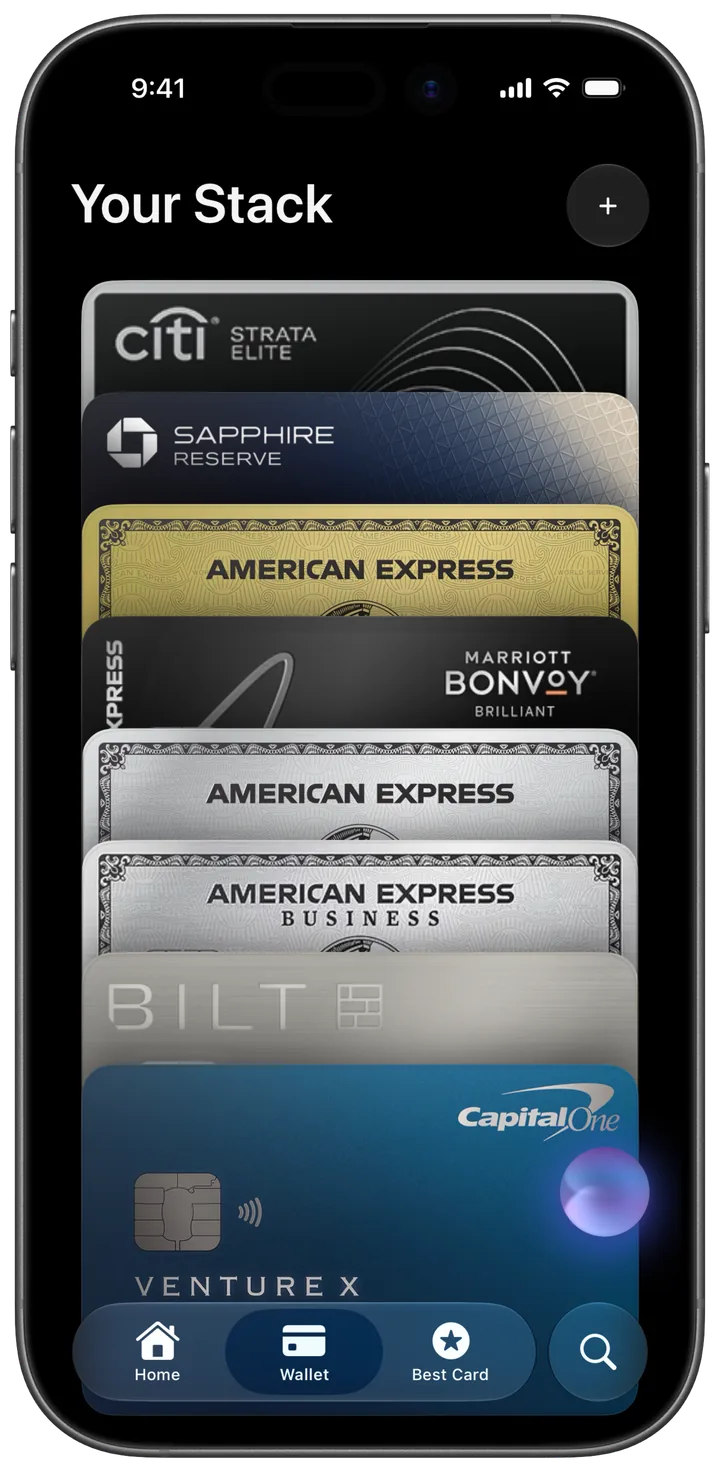
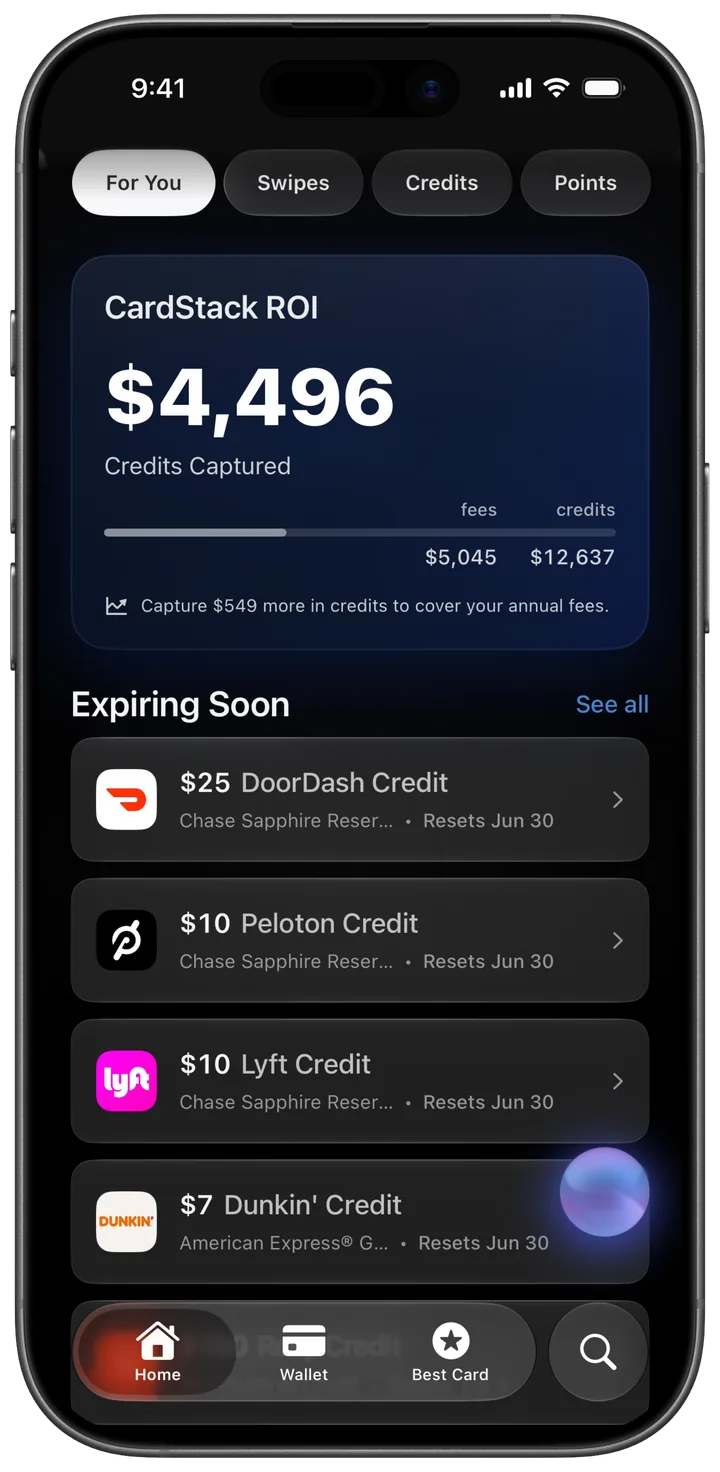
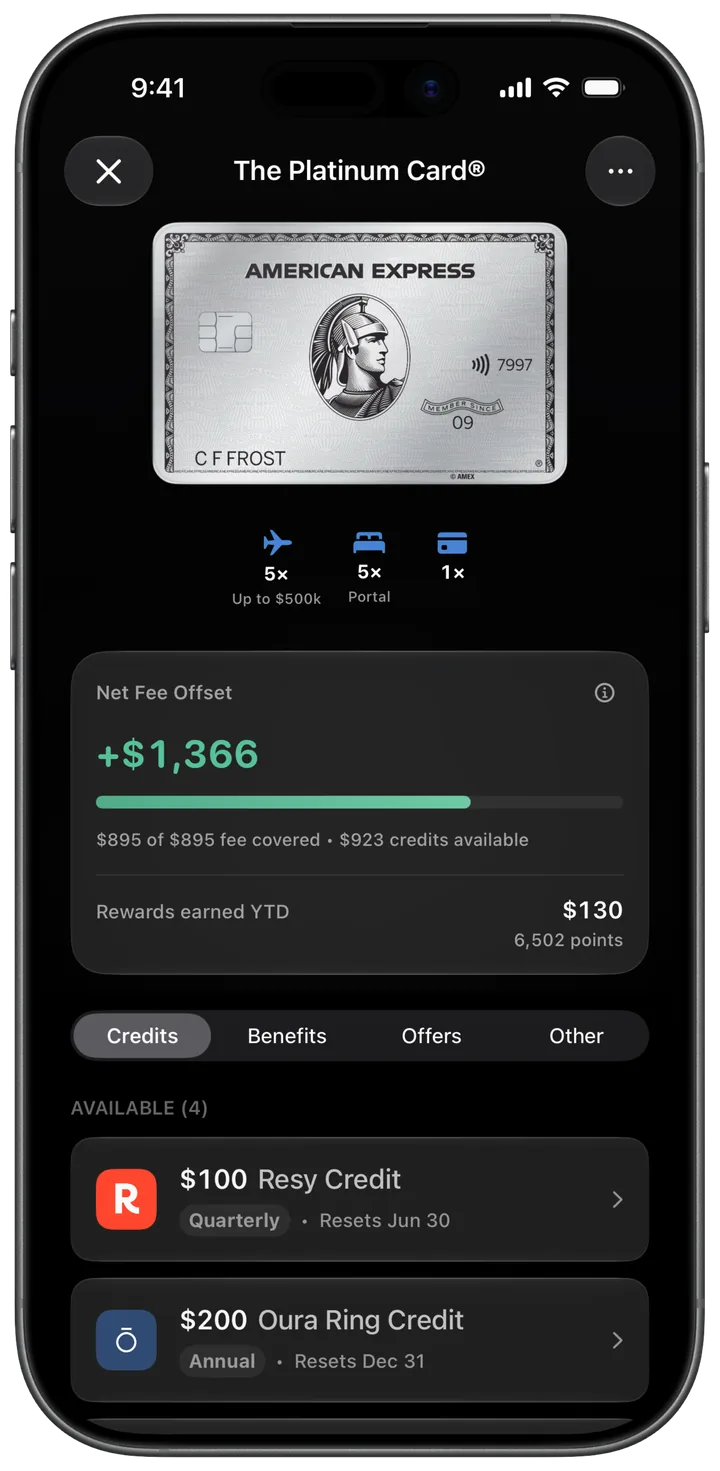
If you want to take the manual piece out of it, CardStack was built for exactly this: auto-enroll in Amex and Chase offers, track your statement credits, and see which benefits you are actually using versus which ones are quietly expiring. The point is not to think about offers more. It is to think about them less while still capturing the value.
Get $1000+ a year back from your premium cards.
CardStack tracks every credit, offer, and renewal across your wallet so unused perks do not slip past their reset dates.





CardStack Insiders
Newsletter
Card news, standout deals, and product updates—straight to your inbox.
By signing up, you agree to ourTermsandPrivacy Policy. Unsubscribe anytime.
Read Next
Related articles