How to Track Your Credit Card Credits in 2026 (Before They Expire)
How to track credit card statement credits across Amex, Chase, and Capital One — reset schedules, a manual system that works, and how to automate it.


Statement credits are the reason premium credit cards make sense on paper — and the reason so many of them don’t in practice. The Amex Platinum carries roughly $3,000 in annual credits against its $895 fee. The Chase Sapphire Reserve stacks a dozen credits against $795. But every one of those credits expires on its own schedule, none of them roll over, and the issuer keeps your fee either way.
The banks are not going to remind you. Tracking is your job — and this is how to do it without letting it become a second job.
TL;DR
- Credits reset on four different schedules: monthly (1st of the month), quarterly (calendar quarters), semiannual (Jan–Jun / Jul–Dec), and annual (calendar year or cardmember anniversary)
- Unused credits never roll over — a missed month or quarter is money gone
- A manual system works: one list of credits, one set of calendar reminders, one statement check per month
- The failure mode is scale: two or three premium cards means a dozen-plus deadlines a year
- CardStack automates all of it — it detects posted credits from your transactions and shows what’s left this period
Why credits are so easy to lose
Credits are structured to be forgettable. That is not cynicism; it is the design.
A single card spreads its credits across incompatible schedules. On the Platinum alone: Uber Cash and the digital entertainment credit reset on the 1st of every month, the Resy and lululemon credits reset each calendar quarter, the hotel credit resets in fixed Jan–Jun and Jul–Dec halves, and the airline fee credit resets on the calendar year. Four schedules, one card.
Then there are the traps inside the schedules:
- No rollover, ever. $15 in unused Uber Cash on January 31 becomes $0 on February 1. Same for every monthly, quarterly, and semiannual credit.
- “Semiannual” means fixed halves, not six months from signup. Open a Platinum in May and your first-half hotel credit still expires June 30 — you get weeks, not months.
- Enrollment requirements. Several Amex credits (Resy, lululemon, digital entertainment, Equinox) pay nothing until you enroll, even if you spend at the right merchant.
- Posting date beats purchase date. A dinner on March 31 that posts April 2 counts toward Q2. Cutting it close means missing it.
- Benefits change mid-year. The Platinum’s Saks credit ended June 30, 2026. Chase’s $250 Select Hotels credit is only scheduled through December 31, 2026. A tracking system built in January can be wrong by July.
None of this is hard individually. It is relentless collectively. That’s the antagonist here: not your memory, the structure.
Step 1: Build the master list
Go through every card you hold and write down each credit: the amount, what it covers, whether enrollment is required, and when it resets. The issuer’s benefits page has all of this, scattered across more screens than it should take.
Here is what the list looks like for three popular cards, using their current 2026 credits:
| Card | Credit | Amount | Resets |
|---|---|---|---|
| Amex Platinum | Uber Cash | $15/mo ($20 Dec) | Monthly |
| Amex Platinum | Digital Entertainment | $25/mo | Monthly |
| Amex Platinum | Walmart+ | ~$12.95/mo | Monthly |
| Amex Platinum | Resy | $100/quarter | Quarterly |
| Amex Platinum | lululemon | $75/quarter | Quarterly |
| Amex Platinum | Hotel (FHR/THC) | $300/half | Jan–Jun / Jul–Dec |
| Amex Platinum | Airline Fee | $200/yr | Calendar year |
| Amex Platinum | CLEAR+ | up to $209/yr | Calendar year |
| Amex Gold | Uber Cash | $10/mo | Monthly |
| Amex Gold | Dining Credit | $10/mo | Monthly |
| Amex Gold | Dunkin’ | $7/mo | Monthly |
| Amex Gold | Resy | $50/half | Jan–Jun / Jul–Dec |
| Chase Sapphire Reserve | Travel Credit | $300/yr | Cardmember anniversary |
| Chase Sapphire Reserve | DoorDash promos | $25/mo | Monthly |
| Chase Sapphire Reserve | The Edit Hotels | $250/half | Jan–Jun / Jul–Dec |
| Chase Sapphire Reserve | Dining | $150/half | Jan–Jun / Jul–Dec |
| Chase Sapphire Reserve | Entertainment | $150/half | Jan–Jun / Jul–Dec |
That is seventeen line items across three cards — and it is not even the complete list for any of them. If you want the full Platinum breakdown, see every Amex Platinum credit in 2026.
While you build the list, enroll in everything that requires enrollment. Enrollment costs nothing and unenrolled credits pay nothing.
Step 2: Put the deadlines on a calendar
Credits die at period boundaries, so that is where your reminders go:
- Last week of every month — sweep monthly credits: Uber Cash, streaming/entertainment, dining, DoorDash promos.
- Late March, June, September, December — quarterly credits (Resy, lululemon on the Platinum).
- Mid-June and mid-December — semiannual credits. These are the expensive ones to miss: $300 hotel halves on the Platinum, $250 Edit halves on the Reserve. Give yourself lead time, because hotel credits require actual trips.
- Early January — calendar-year annual credits reset; pick your Platinum airline for the airline fee credit.
- Your cardmember anniversary — anniversary-based credits reset (the Reserve’s $300 travel credit, Venture X’s $300 portal credit). Also the moment to run the keep-or-cancel math.
Recurring calendar events with the credit names in the title work fine. The discipline that matters: when the reminder fires, actually open the list.
Step 3: Verify the credit posted
The step almost everyone skips. Making a qualifying purchase is not the same as receiving the credit. Credits post as separate statement line items, usually within a few days but sometimes weeks. Charges miscode. Enrollments silently fail. A restaurant you were sure was on Resy isn’t.
Once a month, reconcile: for each credit you believe you used, find the corresponding credit line on the statement. If it has not appeared within the window the issuer describes, chase it while the period is still open — after the reset, there is nothing to chase.
Where manual tracking breaks
The system above genuinely works for one card. The problem is arithmetic. One Platinum is four schedules and a dozen credits. Add a Gold and a Reserve and you are reconciling twenty-plus credits across every cadence the industry has invented, every month, indefinitely.
Most people run this system well for about two months. Then a busy March happens, the Q1 Resy credit quietly dies, and $100 is gone to one missed reminder. The typical premium cardholder does not miss credits because they are careless. They miss them because the workload compounds and attention doesn’t.
This is also why “just check the issuer app” fails: the Amex app shows credit usage scattered across screens, per card, with no unified deadline view — and it tells you nothing about your Chase credits.
Step 4: Automate it
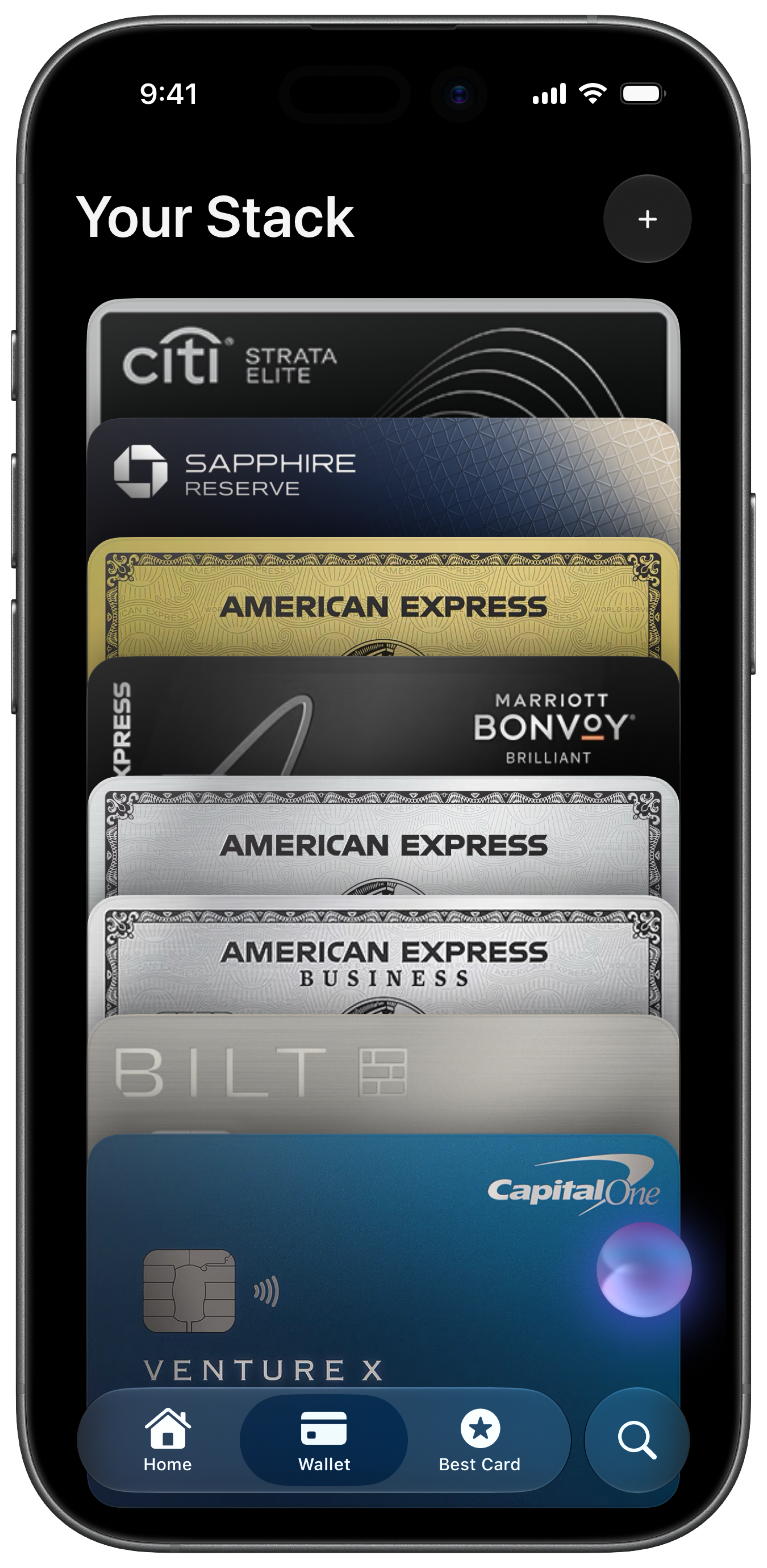
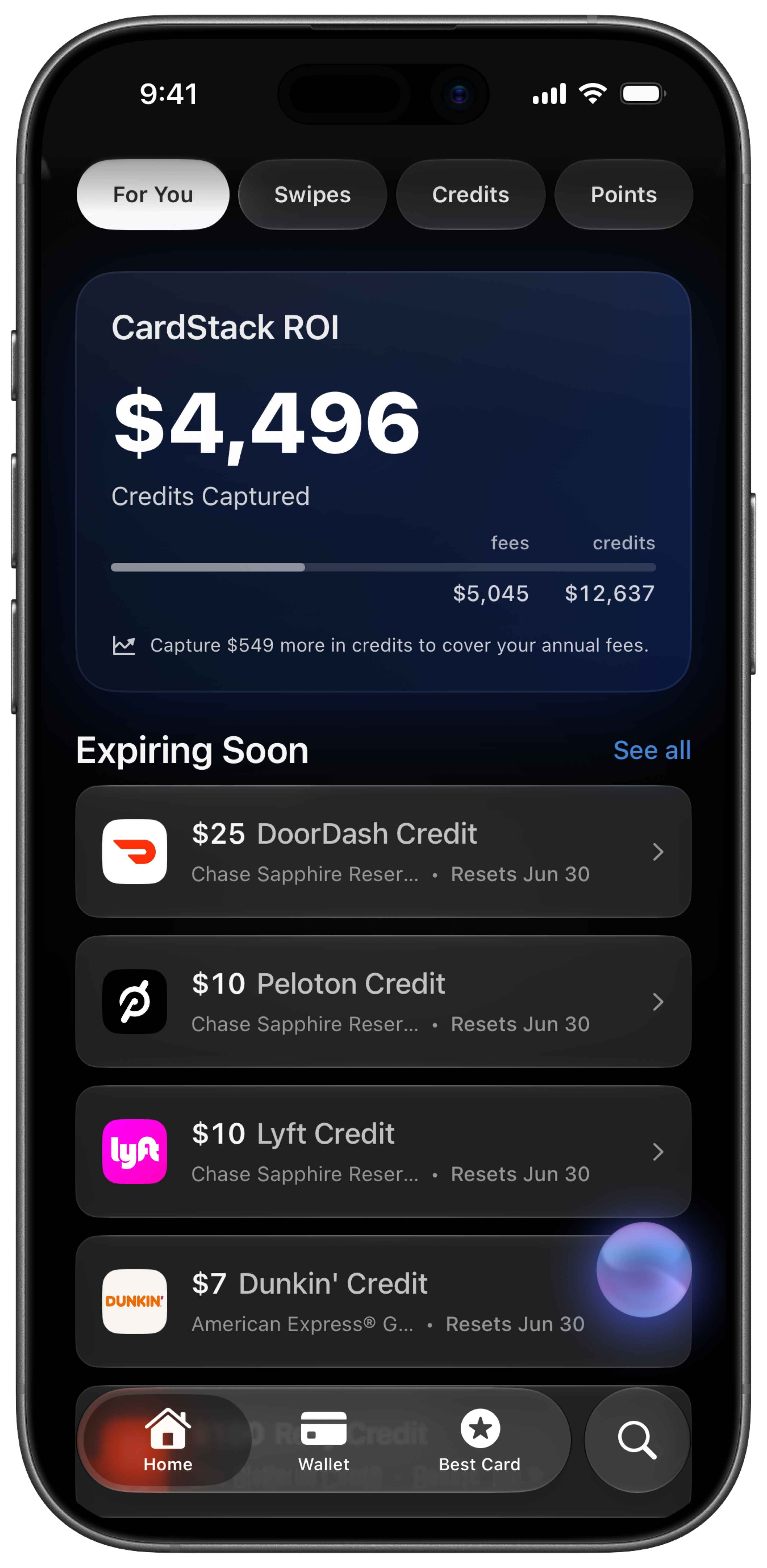
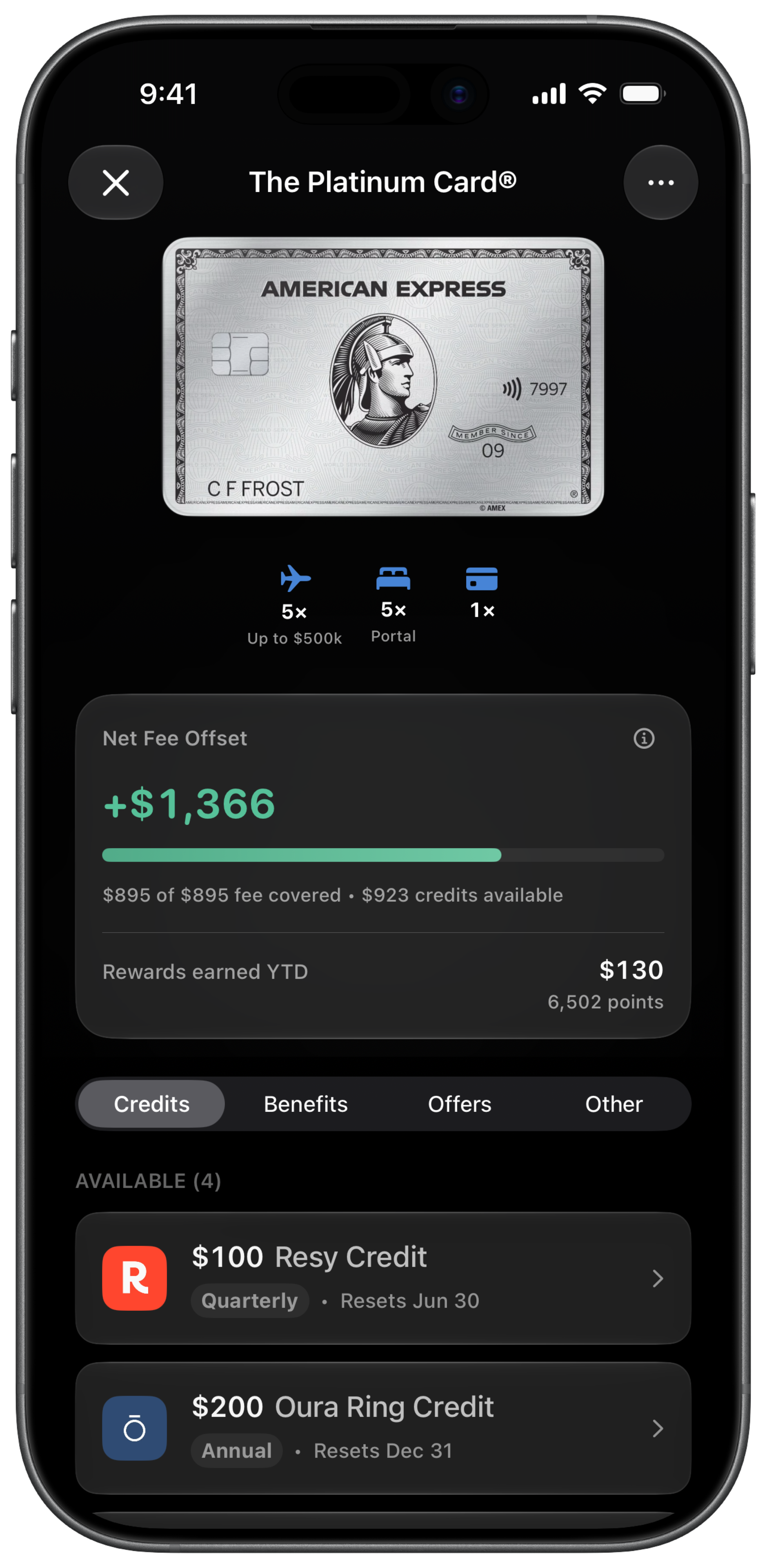
CardStack was built for exactly this job. Add your cards and the app already knows every credit, amount, and reset schedule — the same data as the table above, for 138 supported cards. Connect your accounts through Plaid (read-only) and it detects when a credit posts and marks it used automatically. What you see is the only thing that matters: which credits are used, which are still available this period, and which expire soon — with reminders before the deadlines, across all your cards in one place.
It also answers the bigger question the tracking feeds into: your effective annual fee — each card’s fee minus the credits you actually used. That number, not the issuer’s advertised credit total, is what tells you whether the card deserves another year.
The payoff
Run the math on what tracking is worth. If you hold a Platinum and use $2,200 of its credits instead of $1,500, tracking earned you $700 that year. Miss one $300 hotel half and one $100 Resy quarter, and doing nothing cost you $400. Credits are the entire justification for paying premium annual fees — the fee is guaranteed, and the credits are only real if you use them.
Whether you run the checklist by hand or let CardStack do it automatically, the goal is the same: stop donating money back to the banks. For the deadline details by issuer, keep the credit reset calendar handy.
Get $500+ a year back from your premium cards.
CardStack tracks every credit, offer, and renewal across your wallet so unused perks do not slip past their reset dates.



CardStack Insiders
Newsletter
Card news, standout deals, and product updates—straight to your inbox.
By signing up, you agree to ourTermsandPrivacy Policy. Unsubscribe anytime.
Read Next
Related articles