The Saks credit reset with $50 still on the table. Semi-annual cycles are the easiest to lose: they fire twice a year on fixed dates that no default calendar knows about. Credits expire quietly when nothing is tracking them.
How do you set up credit expiration reminders manually?
- Inventory every credit on every card. List each benefit, its dollar value, and when it resets or expires. A $50 semi-annual Saks credit on the Amex Platinum resets twice per year on fixed dates.
- Create a calendar event per credit per cycle. For monthly credits, set a recurring reminder on the 25th of each month. For annual credits, set a reminder two weeks before the reset date.
- Include the amount remaining. In the event notes, write how much you have left to use. You need to update this manually after each redemption.
- Repeat when you add a new card. Every new premium card means a new batch of calendar events. Miss one credit and you miss the reminder.
- Audit your reminders against each card's full credit list. There is no single dashboard, so cross-check your calendar against each card's credit list every quarter. A quarterly credit with no event attached expires quietly.
- Keep alerts visible. Calendar alerts only work if they surface at the right moment. A notification buried under others, or one that fires mid-trip, is easy to lose.
How does CardStack alert you before credits expire?
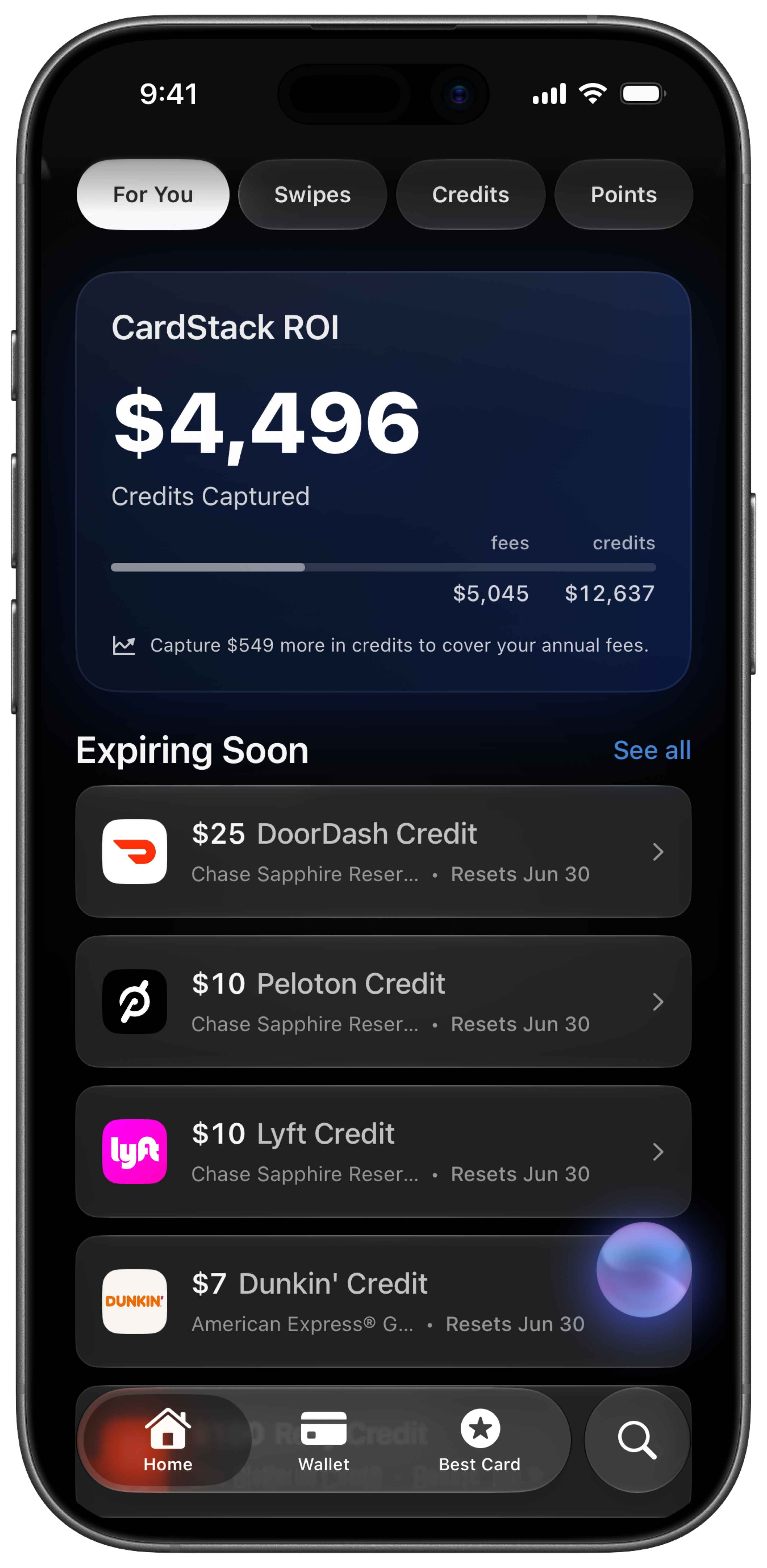
CardStack sends smart notifications on iPhone for expiring credits, annual fee renewals, and offers about to expire. The app already knows your cards, credit amounts, and reset dates from its benefit database.
On the free tier, add your cards, track credits manually, and still receive expiration reminders based on the credits on your cards. CardStack+ adds automatic credit detection from Plaid so your used vs remaining balances stay current without manual updates.
CardStack also offers Home Screen and Lock Screen widgets that surface expiring credits at a glance. For reset date reference, see when credits reset and the forgetting to use credits guide.
Manual vs CardStack at a glance
| Feature | Manual | CardStack |
|---|---|---|
| Setup | One calendar event per credit per reset cycle | Add cards once; app knows reset schedules |
| Accuracy of remaining balance | You update event notes after every use | Manual on free tier; auto-updated on CardStack+ with Plaid |
| New card onboarding | Create a new batch of calendar events | Add the card; credits and alerts populate automatically |
| Best for | A small number of credits you check in Calendar regularly | Many cards with credits on monthly, quarterly, and annual cycles |
| Where alerts appear | Calendar app only | Push notifications, widgets, and in-app badges |
What is automatic and what is not
Expiration reminders work on the free tier when you add your cards and enable notifications. You still mark credits used yourself unless you upgrade.
Automatic balance updates (so alerts reflect what you actually have left) require CardStack+ with a linked bank. Without Plaid, update used credits manually for accurate remaining amounts.
Calendar reminders are enough if you have one or two cards and a handful of credits. CardStack helps when every new card adds another dozen reset dates to track.
Frequently asked questions
When do credit card credits expire?
Most reset on a schedule rather than rolling over. Monthly credits typically expire at month end. Annual credits may reset on calendar year or card anniversary. Unused value is usually lost.
Does CardStack alert me for every card?
CardStack alerts for credits on cards you have added to the app. Add each card you want tracked. You can add your full wallet on the free tier without linking a bank.
Can I get alerts without linking my bank?
Yes. Add your cards on the free tier, mark credits manually, and enable push notifications. Linking a bank is only required for automatic credit detection from transactions.
Does CardStack alert for Amex Offers expiring?
CardStack can notify you about offers about to expire in addition to statement credits. Offer enrollment still requires the browser extension for Amex and Chase.
How is this different from a generic calendar reminder?
CardStack ties alerts to specific credits on specific cards with known reset rules. A generic reminder does not know your $200 airline credit has $140 left or that your fee renews in 12 days.
Related guides
Download CardStack on iPhone to get push notifications before credits expire and annual fees renew.