An eligible purchase does not guarantee the credit posts. Statement credits arrive as easy-to-miss line items, and one that never arrives goes unnoticed until the reset date passes. Manual detection depends on reading every statement line, every month.
How do you detect statement credits manually?
- Know which credits you expect. Before reading a statement, list the credits you should have earned that period. A $200 airline incidental credit on the Amex Platinum, a $300 travel credit on Chase Sapphire Reserve, and so on.
- Download or open your statement. Pull the PDF from your issuer site or open the statement view in the app. Scan every line item, not just the total.
- Match charges to credits. Find the purchase that should trigger each credit, then find the matching credit line (often labeled as a credit adjustment or reimbursement). Amounts do not always match exactly due to timing.
- Flag missing credits. If you made an eligible purchase and no credit posted within a week or two, note it for a follow-up with the issuer.
- Update your tracking sheet. Mark each credit as used, partial, or missed. Adjust remaining balances for the current period.
- Repeat for every card every month. Five premium cards means five statements to read. Skip a month and you lose track of what posted and what did not.
How does CardStack detect statement credits automatically?
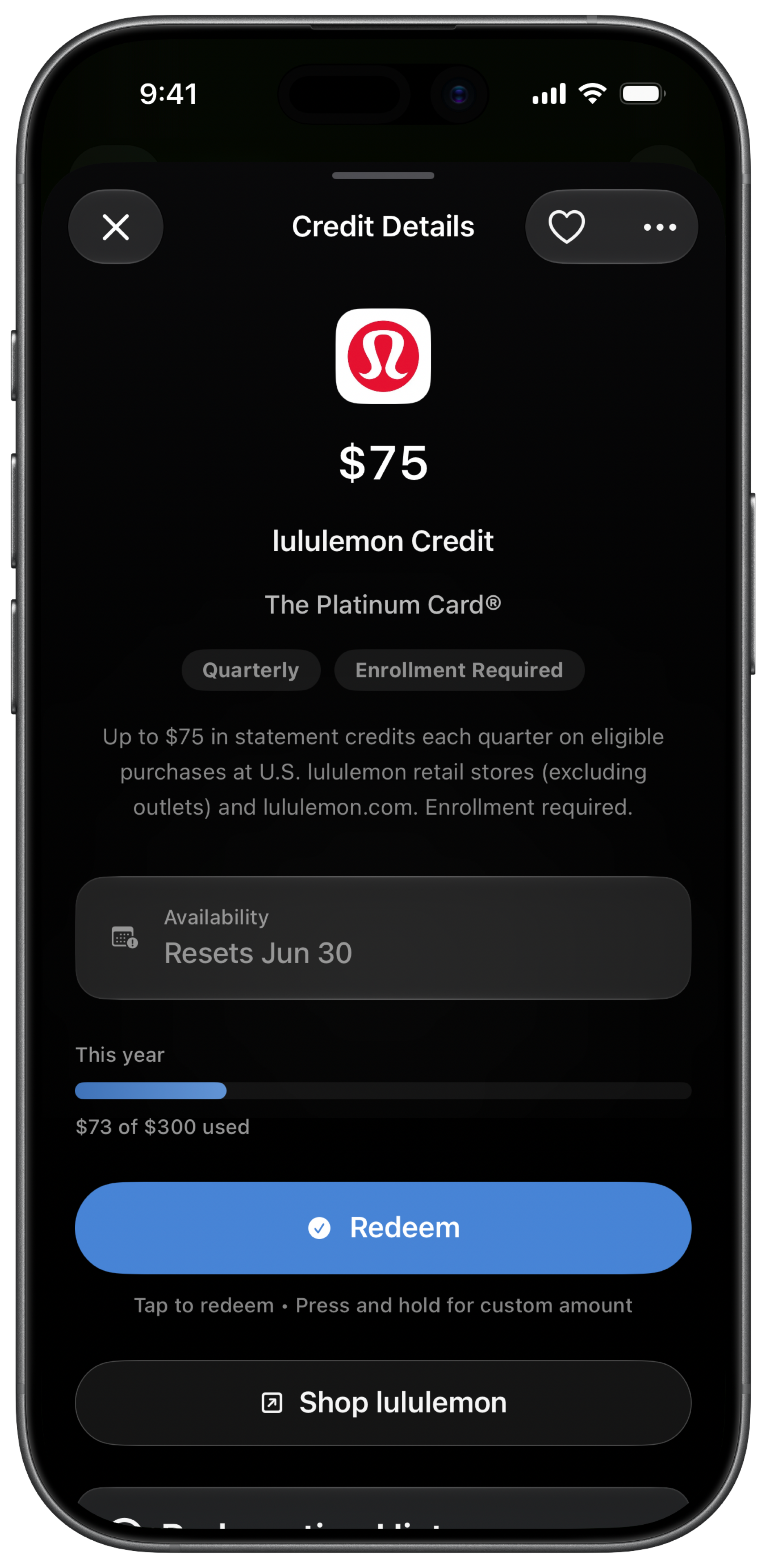
With CardStack+ and a bank account linked through Plaid, CardStack analyzes your transactions and matches them to known statement credits on your cards. When a credit posts, CardStack updates your used vs remaining balance without you opening the statement.
This is the auto-mark credits feature. It works across issuers where CardStack has credit definitions, not just Amex. The free tier still lets you mark credits manually if you prefer not to link a bank.
Auto-detection is not instant. Credits often post a few days after the purchase. CardStack re-syncs transactions on a schedule and updates as new data arrives. See benefit pages for credit rules and the track benefits without linking a bank guide for the free tier path.
Manual vs CardStack at a glance
| Feature | Manual | CardStack |
|---|---|---|
| Detection method | Read every statement line and match by hand | Plaid transaction sync matches credits to known benefit rules |
| Time per month | 30 to 60 minutes across multiple cards | Minutes after initial setup; ongoing sync is automatic |
| Missed credit risk | High if you skip a statement or forget a benefit | Lower; app tracks expected vs posted credits |
| Best for | One or two cards and a disciplined monthly statement habit | Multiple premium cards where manual statement reading does not scale |
| Requirements | Spreadsheet and discipline | CardStack+ subscription and linked bank via Plaid |
What is automatic and what is not
Automatic statement credit detection requires CardStack+ and a linked bank account through Plaid. This is not available on the free tier.
The free tier lets you add your cards and mark credits used yourself, with no bank connection. You are doing the detection step; CardStack provides the structure and reset dates.
Reading statements by hand is enough if you carry one premium card and check monthly. CardStack+ helps when you have several cards and credits post across different cycles.
Frequently asked questions
What is a statement credit?
A statement credit is a reimbursement your issuer applies to your bill when you make an eligible purchase. It appears as a separate negative charge on your statement, reducing what you owe.
Does CardStack read my PDF statements?
No. CardStack matches credits from transaction data synced through Plaid, not by parsing statement PDFs. When the credit transaction appears in your linked account, CardStack can detect it.
Can partial credits be detected?
Yes. Many credits allow partial use (for example, $7 of a $10 monthly dining credit). CardStack tracks used vs remaining amounts as credits post.
Is Plaid safe?
Plaid is a standard bank aggregation service used by many finance apps. CardStack uses it read-only to analyze transactions for credits and rewards. You can revoke access from your bank or the CardStack app.
What if a credit does not auto-detect?
You can still mark it manually in CardStack. Some credits post late, use different merchant codes, or require manual issuer intervention. Check the issuer terms if a credit never appears.
Related guides
Download CardStack on iPhone to auto-detect statement credits from real spending with CardStack+ and Plaid.