
Why do credits slip through the cracks?
Credits expire. You paid for them in your annual fee. A statement credit is money your issuer credits back when you buy something eligible. The Amex Platinum alone has over a dozen credits on monthly, quarterly, and annual schedules. Chase Sapphire Reserve adds another dozen. Each issuer app only shows that issuer's cards. Nobody sends you one reminder for your Resy credit and your airline fee credit on the same day.
What is the simplest fix?
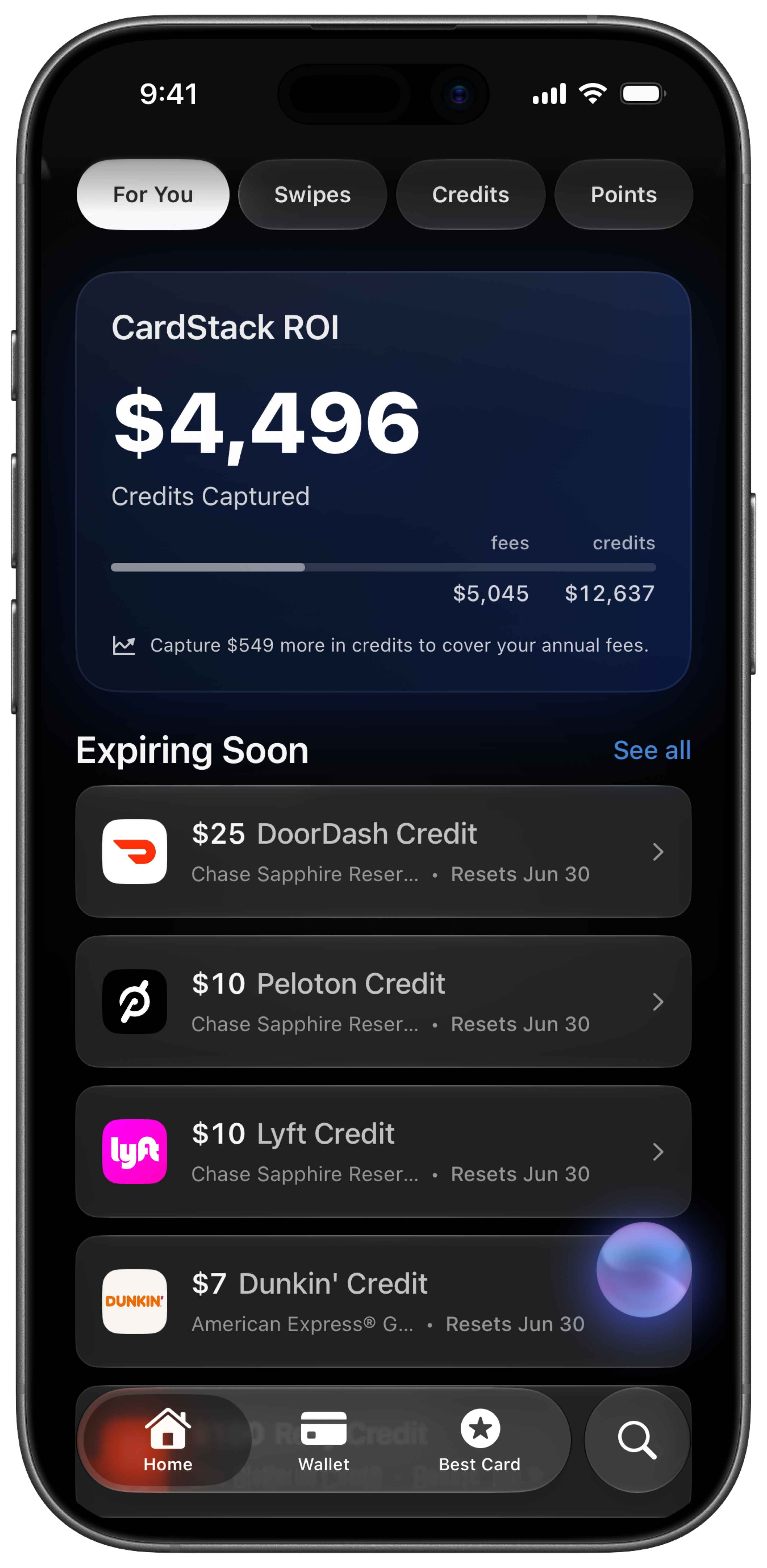
The fix is a single list covering every credit, its reset date, and its dollar amount. Review it weekly, or let an app do the checking. I built CardStack because I was losing credits I had already paid for. The free tier lets you add cards and mark credits used without linking a bank. CardStack+ adds Plaid sync so credits update when your bank posts qualifying purchases.
How do reminders actually help?
Generic calendar alerts fail because each credit has different rules. CardStack sends push notifications before credits expire, when new credits become available, and when your annual fee is about to post. A nudge three days before your $200 airline fee credit resets is worth more than a monthly "check your cards" note.
Should I track credits manually or automatically?
Manual works if you have two or three cards and check weekly. Automatic tracking pays off with premium wallets. CardStack+ connects via Plaid (read-only) and marks credits when transactions match. You still confirm edge cases, but you are not opening five apps to see what is left.
What should I do this week?
List every card with an annual fee over $95. Write each statement credit, its amount, and when it resets. Put the next three expiring credits on your calendar, or use CardStack's credit tracker. Start with the credits closest to zeroing out. That is where the money is leaking.
Frequently asked questions
Why do I keep forgetting to use my credit card credits?
Credits reset on different schedules (monthly, quarterly, annually) across multiple cards. No single issuer app shows your full wallet. Without reminders tied to each credit, the ones you do not use regularly slip through.
What is the easiest way to track expiring credits?
Put every credit in one list with its reset date and dollar amount. CardStack does this for 100+ cards and sends push notifications before credits expire. You can start manually on the free tier without linking a bank.
Can an app automatically mark credits as used?
Yes, with CardStack+ and Plaid. CardStack watches transactions and marks statement credits when your bank posts a qualifying purchase. You can also mark credits manually with one tap.
Which credits expire the fastest?
Monthly credits (Uber cash, digital entertainment, DoorDash) reset every 30 days. Quarterly credits (Resy, lululemon) give you less room to forget. Annual credits still expire on a fixed date. See when credits reset for the full breakdown.
How much money do people lose from unused credits?
It depends on your cards. A single Amex Platinum has over $3,000 in annual statement credits. Missing even a few hundred dollars a year on one card can exceed the annual fee you already paid.