
Why does a big wallet break spreadsheets?
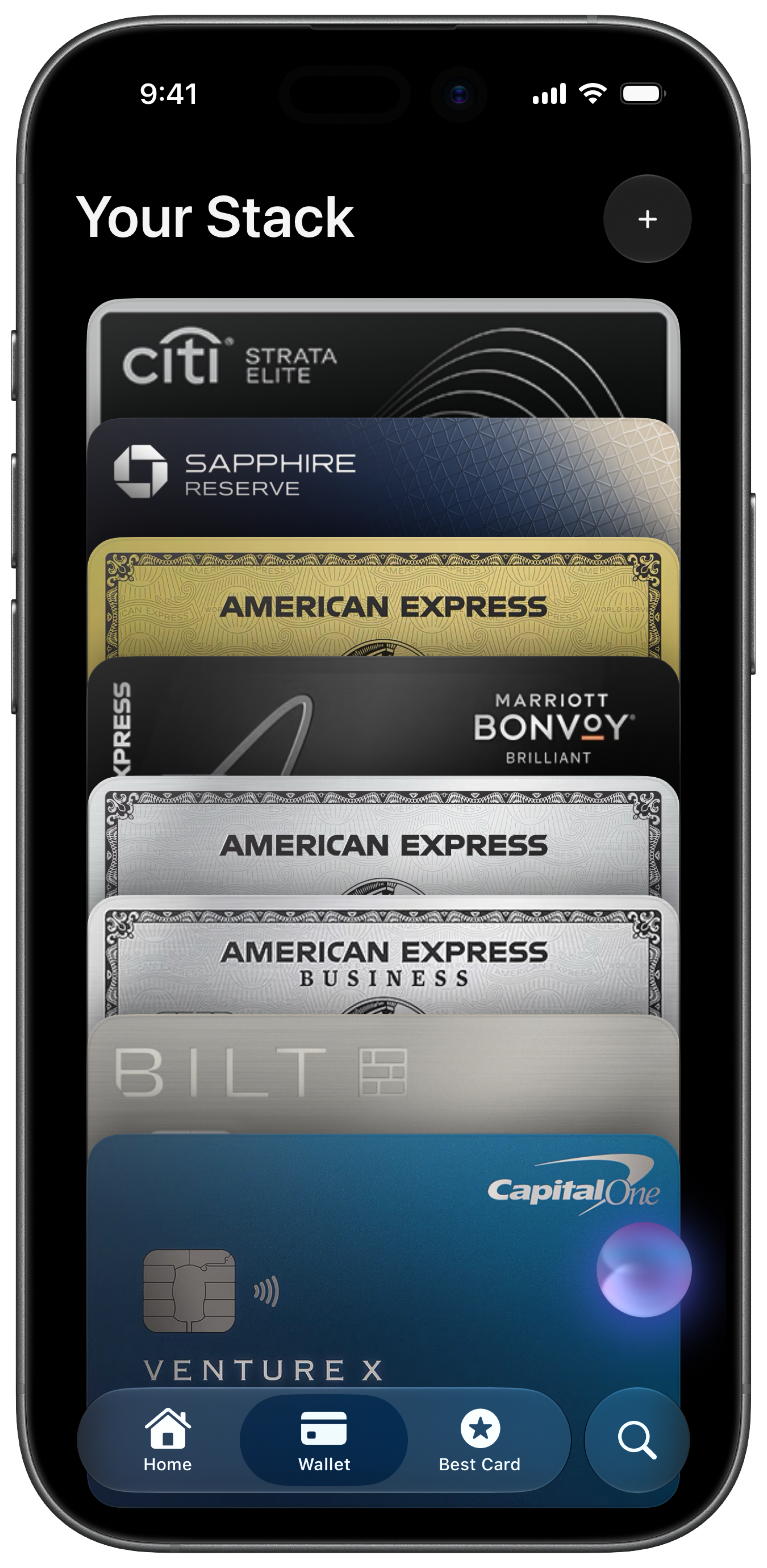
Each premium card adds 5 to 15 statement credits with different amounts, merchants, and reset rules. A statement credit is a reimbursement when you buy something eligible. Amex shows Amex. Chase shows Chase. Your spreadsheet gets stale the week life gets busy. That is when you pay $795 in fees and capture half the value.
What should one dashboard show?
Every credit across every card. Dollars remaining. Reset dates. Which credits expire this week. Annual fee vs credits used per card. CardStack filters by expiring, redeemed, or favorites so you see what needs action today, not a wall of numbers.
How do I decide which cards to keep?
Run net fee offset on each card: what it gave you minus the annual fee. A card that costs you $180 net after credits is a candidate to downgrade. See the annual fee calculator or CardStack's fee coverage view. Keep the cards whose credits and rewards clear the fee; downgrade the ones that consistently run negative.
How does CardStack handle a large wallet?
Add every card from 100+ supported issuers. Free tier: manual credit tracking, perks list, best card recommendations. CardStack+: Plaid sync, auto credit detection, earned vs missed rewards, widgets, extensions, and Ask Stack for questions like "which credits expire this month?"
What is the first step this week?
Export your wallet into one tool. Flag the three credits expiring soonest. Use them. Then audit annual fees. Most people find one card they should have downgraded a year ago. Fix that before adding another card.
Frequently asked questions
How many credit cards is too many to track manually?
Past three or four premium cards, manual tracking breaks down. Different reset dates, partial credits, and issuer apps that only show their own cards make spreadsheets unreliable.
What is the best way to track benefits across many cards?
One dashboard for every card's statement credits, perks, and annual fees. CardStack supports 100+ cards from Amex, Chase, Capital One, Citi, Bilt, and more in a single view.
Do I need to link my bank to track multiple cards?
No. CardStack's free tier lets you add cards and track credits manually. CardStack+ adds Plaid for automatic credit detection and earned vs missed rewards per purchase.
How do I know which cards are worth keeping?
Calculate net fee offset for each card: credits and rewards you actually earned minus the annual fee. Cards that consistently cost you money should be downgraded or canceled.
Can widgets help when I have many cards?
Yes. CardStack Home Screen and Lock Screen widgets show expiring credits, fee coverage, and best card nearby without opening the app.