Kudos is free to download, but some of its most useful features require a paid subscription.
The U.S. credit card rewards app advertised on November 5, 2026, Kudos Premium for $141.99 per year on its website, along with promotional lifetime access for $190. Apple’s U.S. App Store also lists a $24.99 monthly purchase and several annual prices.
The good news is that you don’t need Premium to get credit card recommendations when shopping online.
The main reasons to upgrade are automatic card-linked offer activation, statement credit tracking, and spending analysis.
Here’s what each plan includes and whether the paid version is worth it.
Prices and features checked November 5, 2026.
How much does Kudos Premium cost?
| Plan | Price | Billing |
|---|---|---|
| PlanKudos Free | Price$0 | BillingFree |
| PlanPremium Annual, website | Price$141.99 | BillingPer year |
| PlanPremium Monthly, App Store listing | Price$24.99 | BillingPer month |
| PlanPremium Annual, App Store | Price$62.99–$91.99 | BillingPer year, depending on offer |
| PlanPremium Lifetime, promotional | Price$190 | BillingOne-time |
| PlanPremium Lifetime, regular | Price$240 | BillingOne-time |
The $141.99 website subscription works out to approximately $11.83 per month, but you’re billed annually.
The App Store lists multiple purchase options. That doesn’t mean every customer will see the same prices at checkout.
Kudos also describes monthly subscriptions as legacy plans, so the $24.99 App Store listing doesn’t necessarily mean new subscribers can select monthly billing.
Always check the final subscription price and renewal terms before paying.
Sources: Kudos Premium, Kudos on the App Store, and Premium subscription details.
Kudos Free vs. Premium
| Feature | Free | Premium |
|---|---|---|
| FeatureBest-card recommendations online | FreeYes | PremiumYes |
| FeatureCredit card autofill | FreeYes | PremiumYes |
| FeatureStandard Kudos Boost cash back | FreeYes | PremiumYes |
| FeatureCard comparison tools | FreeYes | PremiumYes |
| FeatureHigher Kudos Boost rate | FreeNo | PremiumYes |
| FeatureAutomatic card-linked offers | FreeNo | PremiumYes |
| FeatureAutomatic credit benefit tracking | FreeNo | PremiumYes |
| FeatureTransaction history | FreeNo | PremiumUp to 2 years |
| FeatureWelcome bonus tracking | FreeNo | PremiumYes |
| FeatureBill negotiation tools | FreeNo | PremiumYes |
Some Premium features require a supported card or bank connection.
What can you do with Kudos Free?
For many people, the free plan covers the main reason to use Kudos.
When you’re shopping online, the browser extension recommends which card in your wallet offers the strongest rewards at supported retailers.
It can also autofill card details and provide access to Kudos Boost cash-back offers.
For example, if you have an Amex Gold, Chase Freedom Flex, and Capital One Venture X, Kudos can help you decide which card to use when making an online purchase.
You don’t need Premium for that basic recommendation.
If online checkout recommendations are all you want, start with Kudos Free.
What do you get with Kudos Premium?
The biggest difference is automation.
Premium adds automatic activation of eligible card-linked offers, meaning you don’t have to check each issuer account manually for every new promotion.
It also includes a Benefits Tracker that can identify qualifying statement credits from connected transactions.
For example, if an eligible Amex dining purchase triggers a statement credit, Kudos may be able to detect the redemption and update the benefit’s status.
Not every credit works that way.
Some benefits are identified as likely used but require confirmation. Others, particularly credits delivered inside third-party apps, need to be recorded manually.
Premium also provides extended transaction history, spending analysis, welcome bonus tracking, and bill-management tools.
See how Kudos tracks different types of credits.
Is Kudos Premium worth paying for?
That depends on how you use your cards.
If you mainly want help choosing a card at online checkout, the free version already does that.
If you regularly use Amex Offers, Chase Offers, and other merchant promotions, automatic activation could be worth paying for.
The question is whether the extra savings justify the subscription.
At the $141.99 annual website price, you’d need to receive roughly $142 in additional yearly value just to cover the cost.
That should be savings or rewards you wouldn’t otherwise receive, not the total value of every offer you activate.
For cardholders with several annual-fee cards, Premium’s credit tracking may also be useful. But if credit tracking is your main priority, compare it with dedicated benefits apps before subscribing.
Is Kudos Lifetime worth it?
At the advertised promotional price of $190, lifetime access costs less than two years of the $141.99 website annual subscription.
Here’s the comparison:
- One year of Premium: $141.99
- Two years of Premium: $283.98
- Promotional lifetime access: $190
However, someone receiving a discounted annual offer in the App Store may have a different calculation.
Lifetime only makes sense if you’re confident you’ll continue using the paid features.
I’d recommend trying the free version first rather than purchasing lifetime access based on a feature list alone.
What if you mainly want to track credit card benefits?
Kudos Premium now supports automatic benefit tracking for eligible connected accounts.
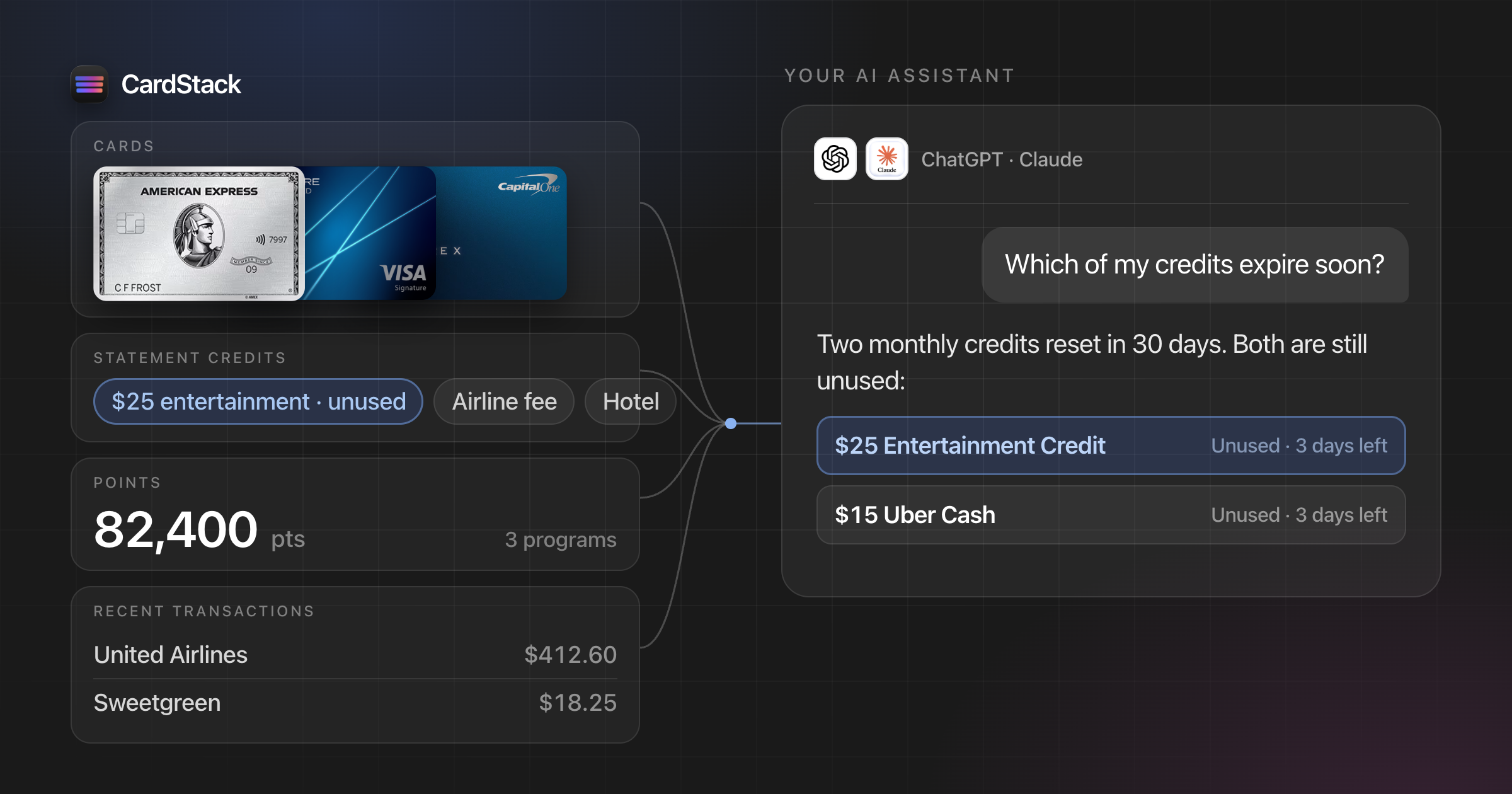
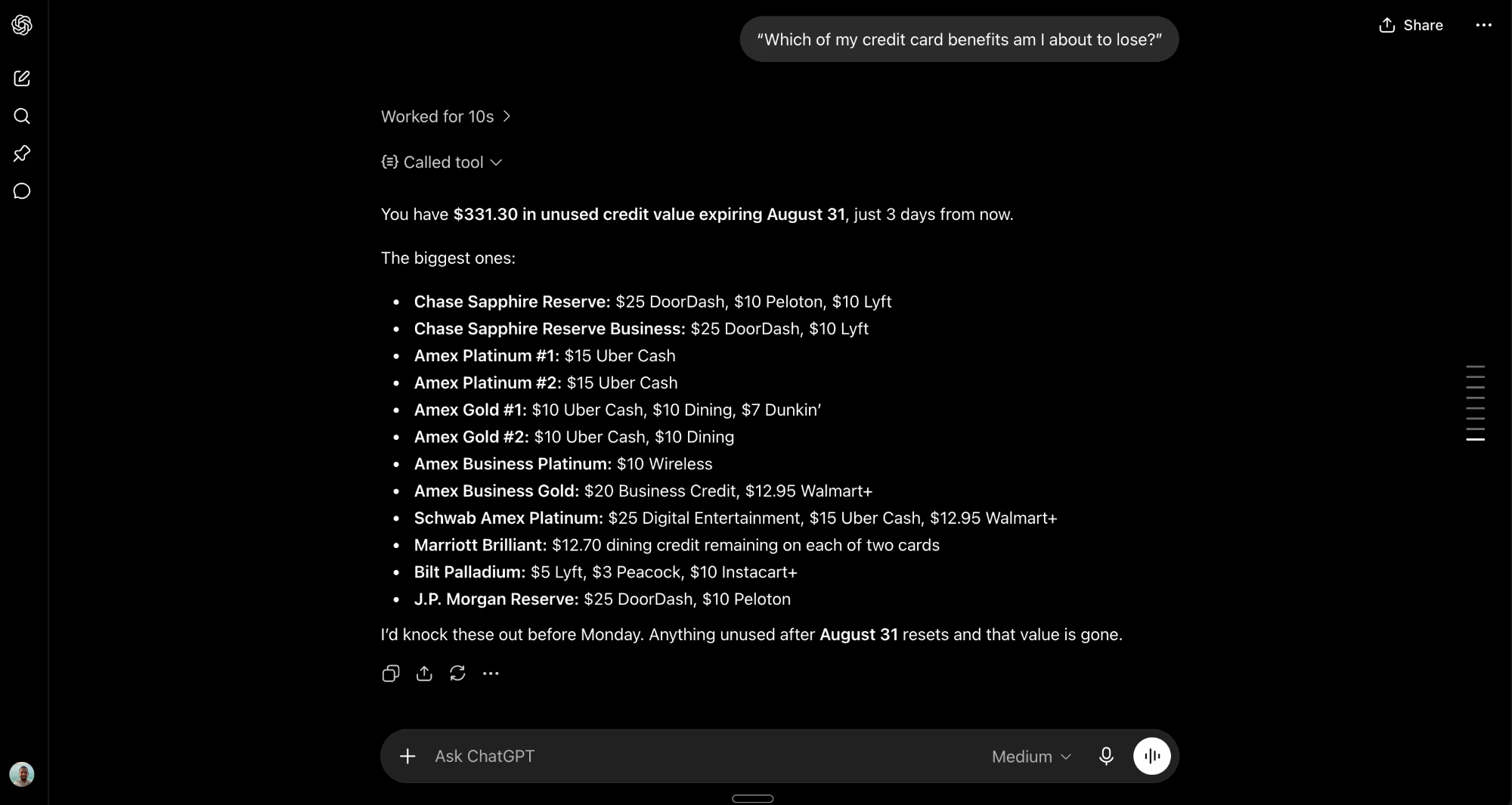
If you’re primarily interested in statement credits, annual fees, and rewards, CardStack is another option worth comparing.
CardStack offers free manual credit tracking and automatic detection of supported redemptions through CardStack+.
It also tracks points balances, credit reset dates, annual fee coverage, and rewards earned from spending.
The two apps overlap, but they serve different priorities.
Kudos places online shopping and offer automation alongside its financial tools. CardStack focuses on managing your credit cards and the value you receive from them.
Bottom line
You don’t need to pay for Kudos to get card recommendations at online checkout.
Kudos Premium makes more sense if you want automatic offer activation, credit tracking, spending analysis, and its additional financial tools.
Before upgrading, check the price available on your platform and whether you’ll use enough Premium features to justify it.
For a closer look at dedicated benefits tracking, see our comparison of credit card benefit tracker apps.
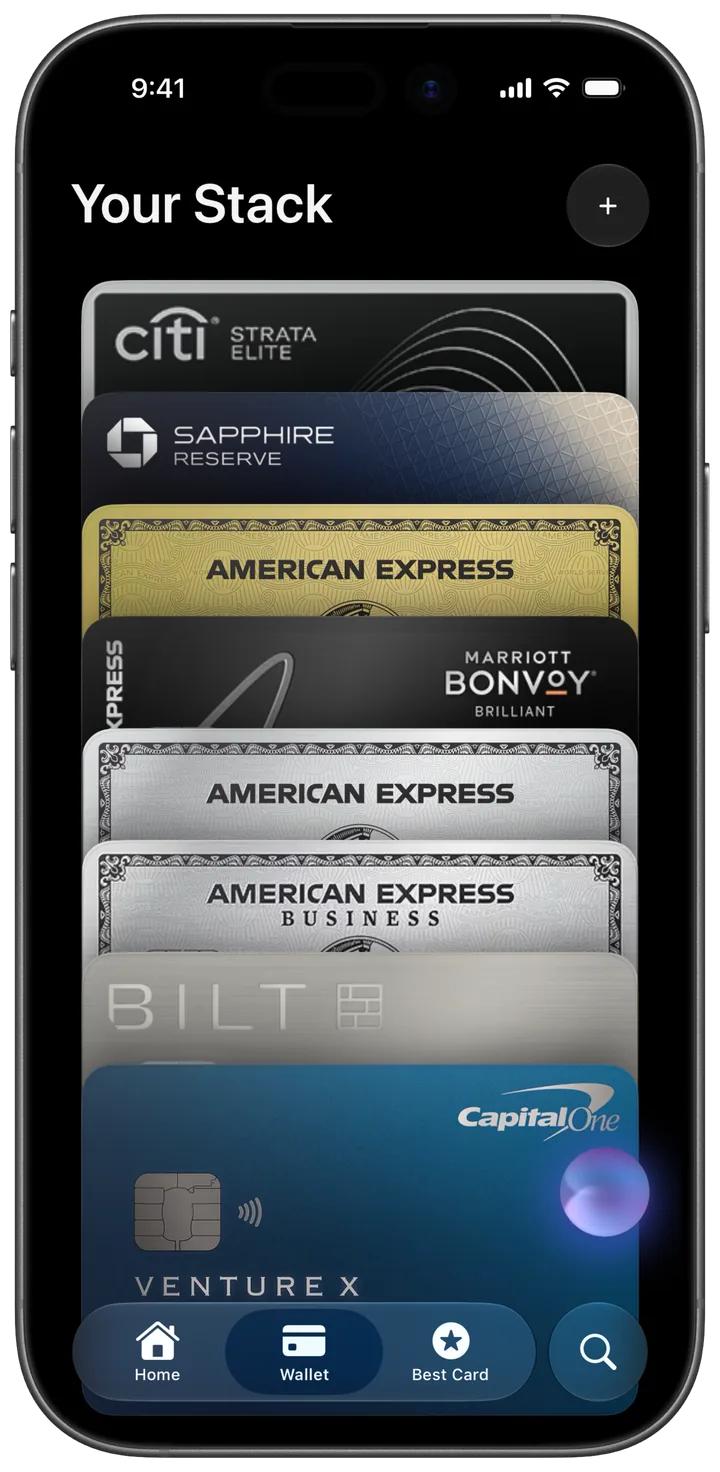
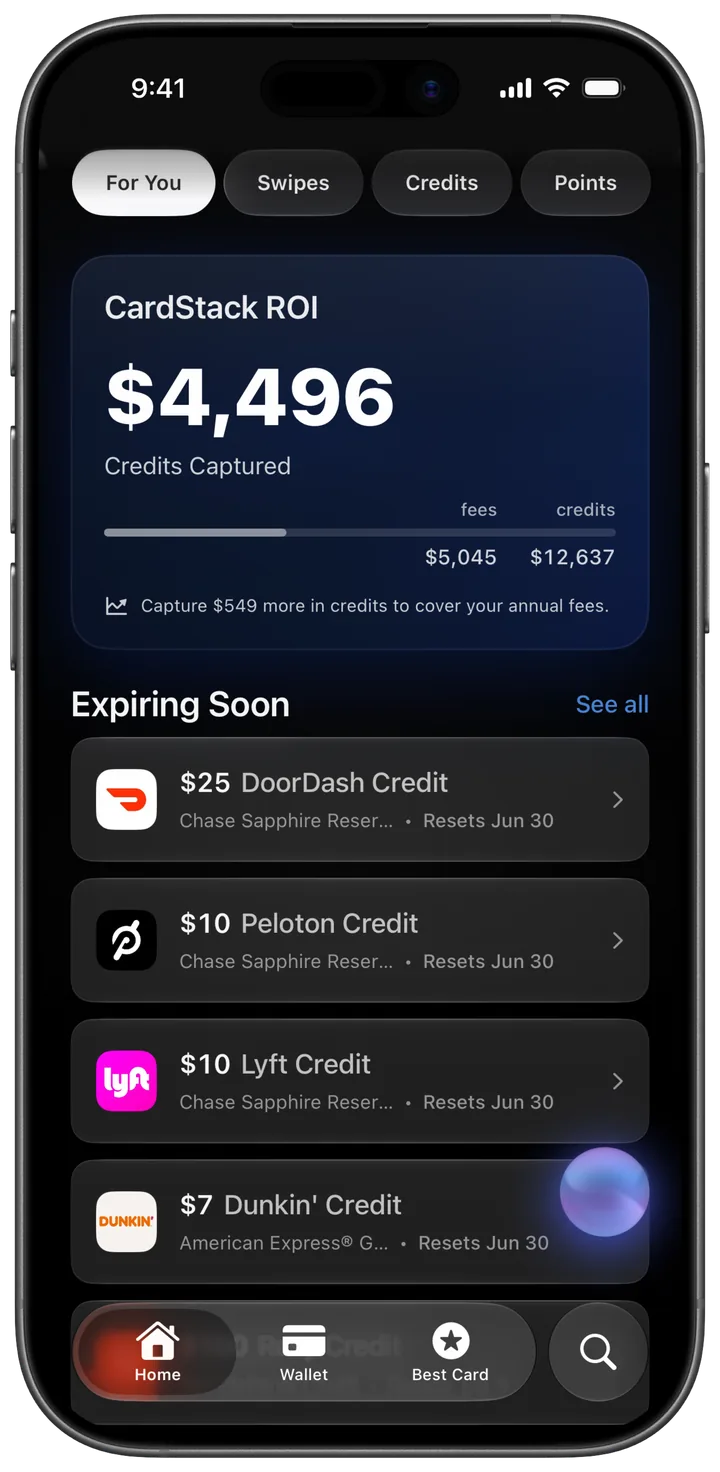
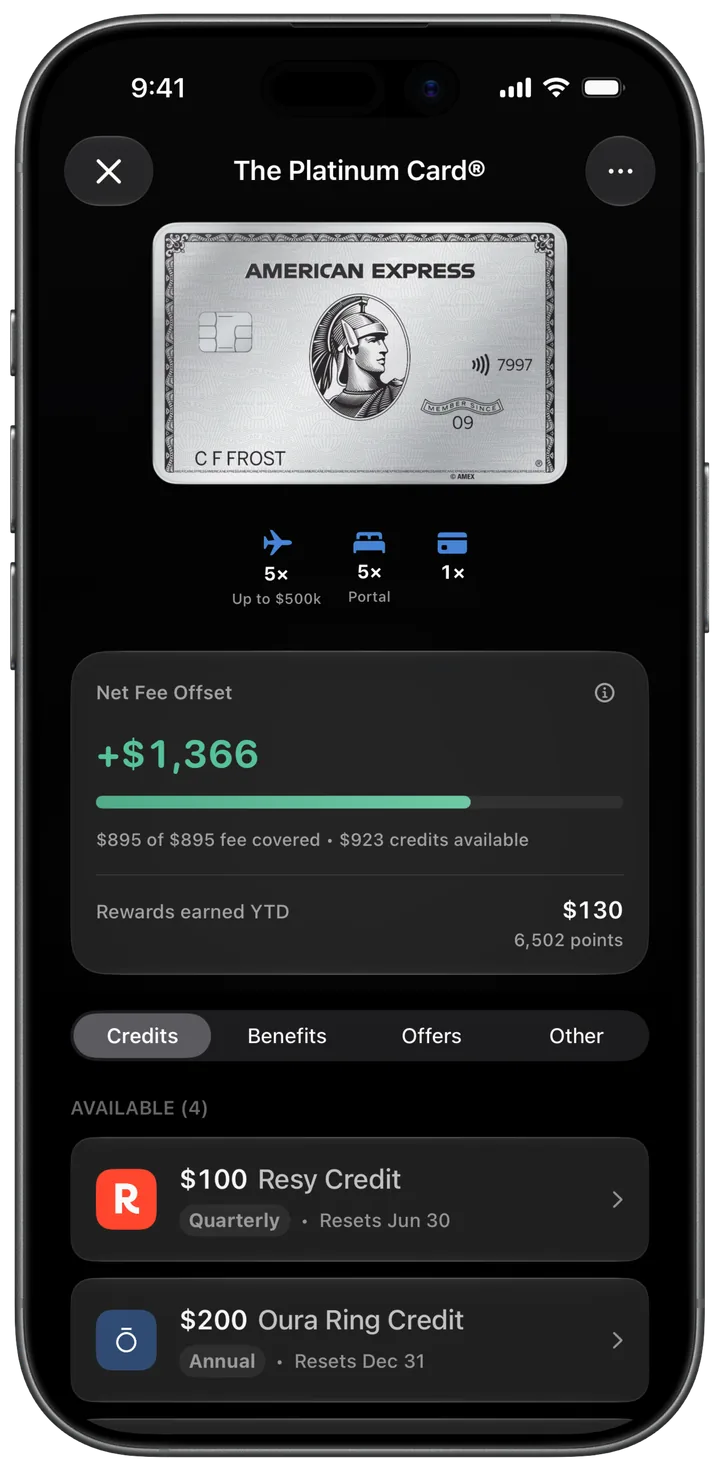
Maximize Your Credit Card Rewards
CardStack automatically tracks your benefits, activates your Amex and Chase offers, and shows you the best card at checkout so you can save more money and earn more points.




CardStack Insiders
Newsletter
Card news, standout deals, and product updates—straight to your inbox.
By signing up, you agree to our Terms and Privacy Policy. Unsubscribe anytime.
Read Next
Related articles