
How To Use the $300 Amex Digital Entertainment Credit [2026]
The Amex Platinum's digital entertainment credit: up to $25 back each month on Disney+, Hulu, Paramount+, Peacock, YouTube TV, and more. You have to enroll first.

| Digital Entertainment Credit | Details |
|---|---|
| ItemCredit amount | Credit amount$25 monthly |
| ItemMaximum annual value | Maximum annual value$300 |
| ItemResets | Resets1st of each month |
| ItemEnrollment required | Enrollment requiredYes |
| ItemHow it applies | How it appliesDisney+, Disney+ Bundle, ESPN+, Hulu, The New York Times, Paramount+, Peacock, The Wall Street Journal, YouTube Premium, YouTube TV |
The Amex Platinum gives you up to $25 back each month on eligible streaming and news subscriptions, worth up to $300 a year. Unlike the card’s Walmart+ and Uber One credits, this one has an enrollment step. Until you enroll, eligible charges post with no credit.
Which services count for the digital entertainment credit?
Amex’s list of eligible providers in 2026:
- Disney+ and the Disney+ bundle
- ESPN streaming services
- Hulu
- Paramount+
- Peacock (stand-alone subscriptions billed directly by Peacock; see the note below)
- YouTube Premium
- YouTube TV
- The New York Times
- The Wall Street Journal
The credit matches eligible charges up to $25 each month. One $25 subscription, or several smaller ones, both work.
Do you need to enroll in the digital entertainment credit?
Yes. This is the step people miss. Enroll once through the benefits section of your Amex account, and the credit applies to eligible charges from then on. Charges made before you enroll don’t get the credit.
How the Amex Platinum’s digital entertainment credit works
- Enroll in the credit in your Amex account
- Bill an eligible subscription to your Platinum
- Amex applies up to $25 in statement credits each month
The credit resets on the 1st of each month and unused amounts don’t carry over.
What doesn’t trigger the credit
- Services not on the list. Netflix, Spotify, HBO Max, and Apple TV+ are not on Amex’s eligible list, so they don’t get the credit.
- Peacock bundles and add-ons, starting August 1, 2026. Amex updated its terms: only stand-alone Peacock subscriptions billed directly by Peacock qualify. Peacock bundles, add-ons, and Peacock billed through a third party don’t.
- Charges before you enroll. Enrollment isn’t retroactive.
When is the credit not covered
If a card reissue or a billing change moves the subscription off your Platinum, the subscription keeps charging and the $25 stops coming back.
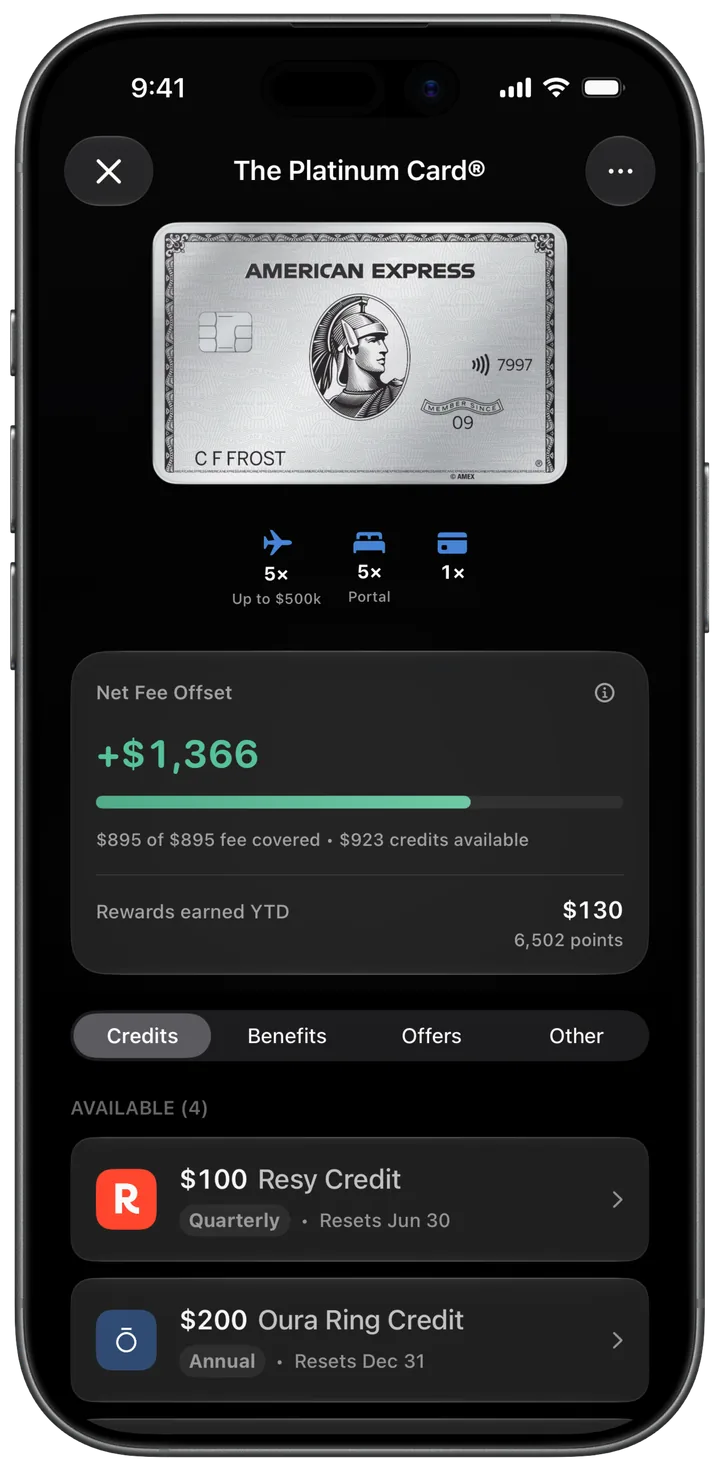
The CardStack app tracks the digital entertainment credit on your Platinum with the rest of your credits, and shows you each month if the credit posted.
Is it worth it?
If you already pay for anything on the eligible list, this credit is up to $300 a year back for a one-time enrollment. If your subscription costs less than $25 a month, it can run entirely on the credit. If you subscribe to none of these services and don’t want them, the credit is worth nothing to you, and that’s fine. It’s one line in the Platinum’s stack, not the reason to hold the card.
Frequently Asked Questions
Can I split the credit across two services?
Yes. The credit matches eligible charges up to $25 a month in total. Two smaller subscriptions can share it.
Does the credit work on annual subscriptions?
The credit is capped at $25 per month. An annual charge from an eligible provider is still one month’s charge, so anything over $25 in that month is on you. Monthly billing fits the credit’s shape better.
What happens if I unsubscribe?
The credit only matches eligible charges. If no eligible charge posts in a month, there’s no credit that month.
Maximize Your Credit Card Rewards
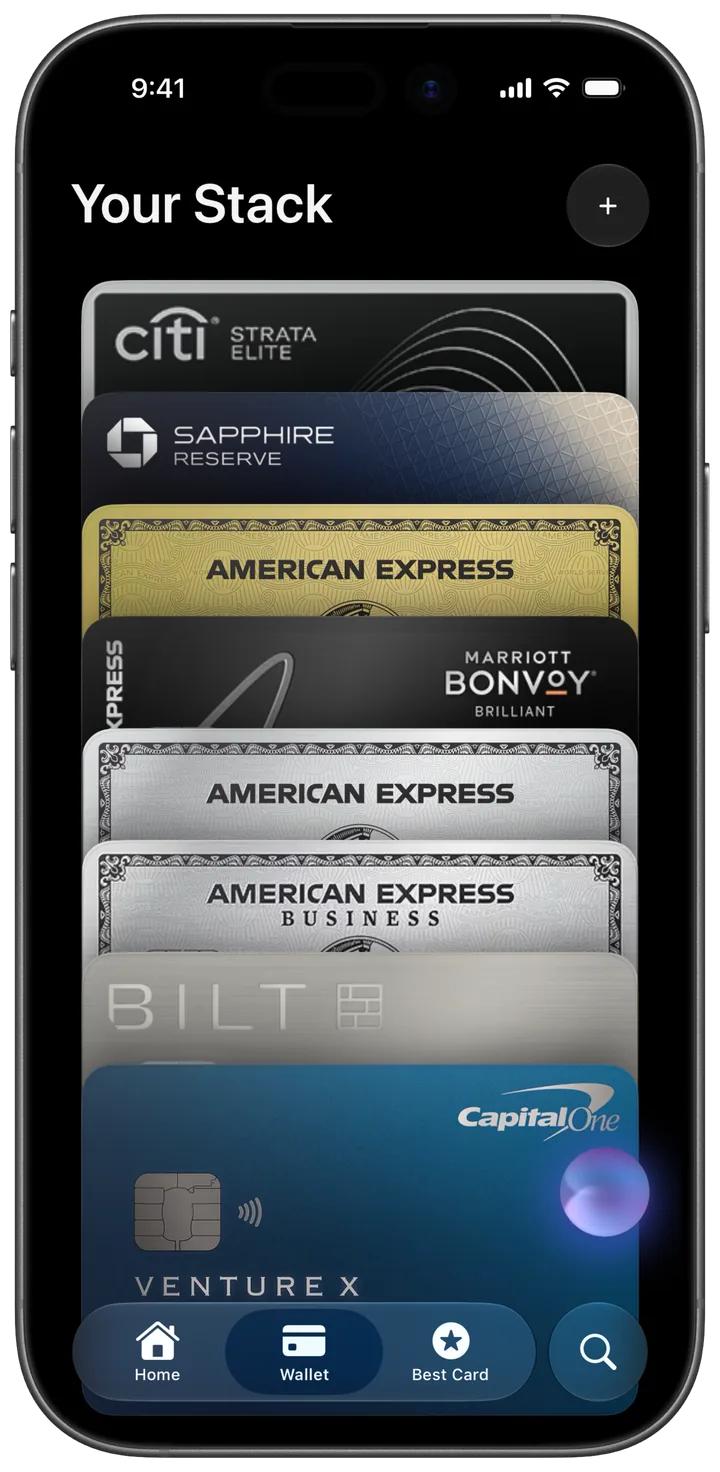
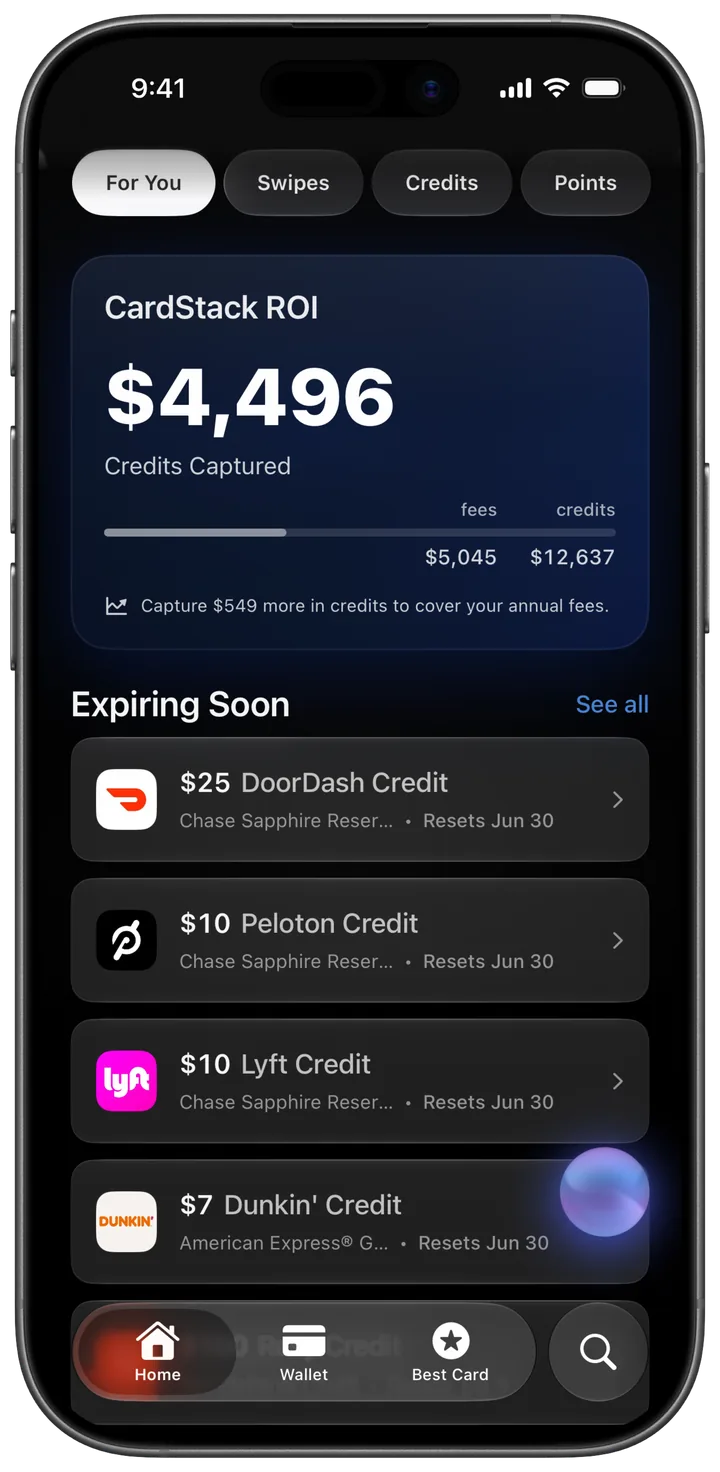
CardStack automatically tracks your benefits, activates your Amex and Chase offers, and shows you the best card at checkout so you can save more money and earn more points.






CardStack Insiders
Newsletter
Card news, standout deals, and product updates—straight to your inbox.
By signing up, you agree to our Terms and Privacy Policy. Unsubscribe anytime.
Read Next
Related articles