How To Use $250 Adobe Credit on Business Platinum [2026]
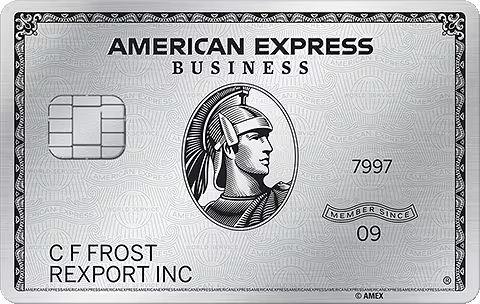
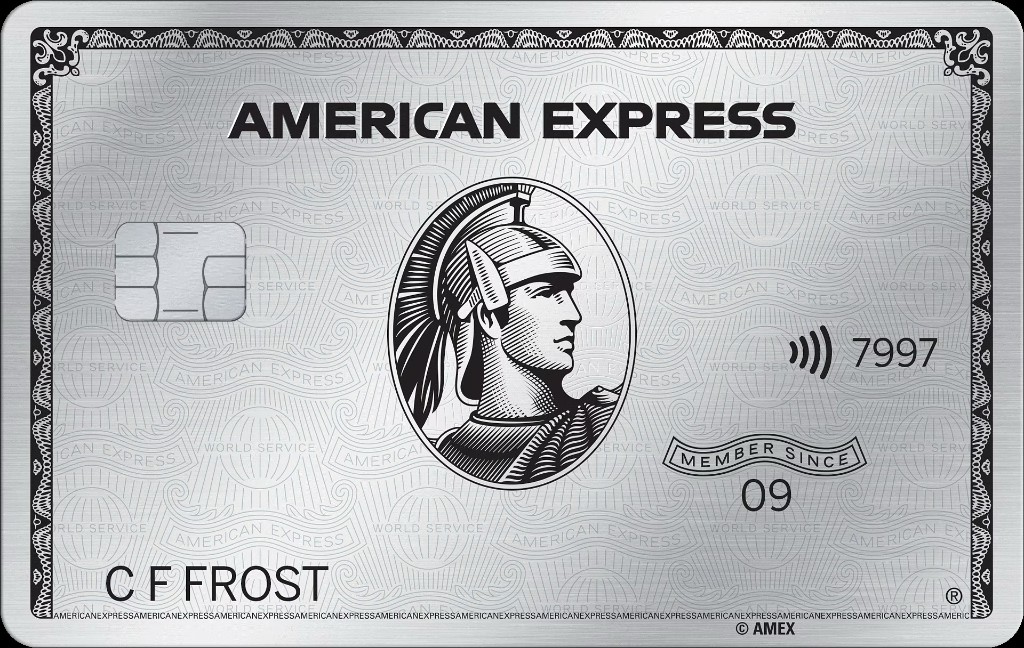
The Business Platinum gives a $250 statement credit per calendar year after you spend $600 or more directly with Adobe. Enrollment required. Here's how it works.

| Adobe Credit | Details |
|---|---|
| ItemCredit amount | Credit amount$250 per year |
| ItemMaximum annual value | Maximum annual value$250 |
| ItemResets | ResetsCalendar year |
| ItemEnrollment required | Enrollment requiredYes |
| ItemHow it applies | How it appliesU.S. Adobe purchases – when you spend $600+ |
The Business Platinum gives you a $250 statement credit per calendar year after you spend $600 or more directly with Adobe. This is a cliff credit, not a percentage match: spend under $600 and you get nothing, cross $600 and the full $250 posts.
Do you need to enroll in the Adobe credit?
Yes. Enroll once through the benefits section of your Amex account before the credit applies.
How the Business Platinum’s Adobe credit works
- Enroll in the credit in your Amex account
- Make US purchases directly with Adobe, like Creative Cloud or Adobe Acrobat subscriptions, with your Business Platinum
- Once your Adobe purchases for the calendar year reach $600, Amex applies a $250 statement credit
The threshold resets on the calendar year, January 1.
What doesn’t trigger the credit
- Spending under $600 in a calendar year. There’s no partial credit below the threshold.
- Purchases through a reseller instead of directly with Adobe.
- Charges before you enroll. Enrollment isn’t retroactive.
When is the credit not covered
The main risk with a threshold credit like this one is falling just short of $600 and getting nothing. If your Adobe spend is close to the line, check your total before the calendar year ends.
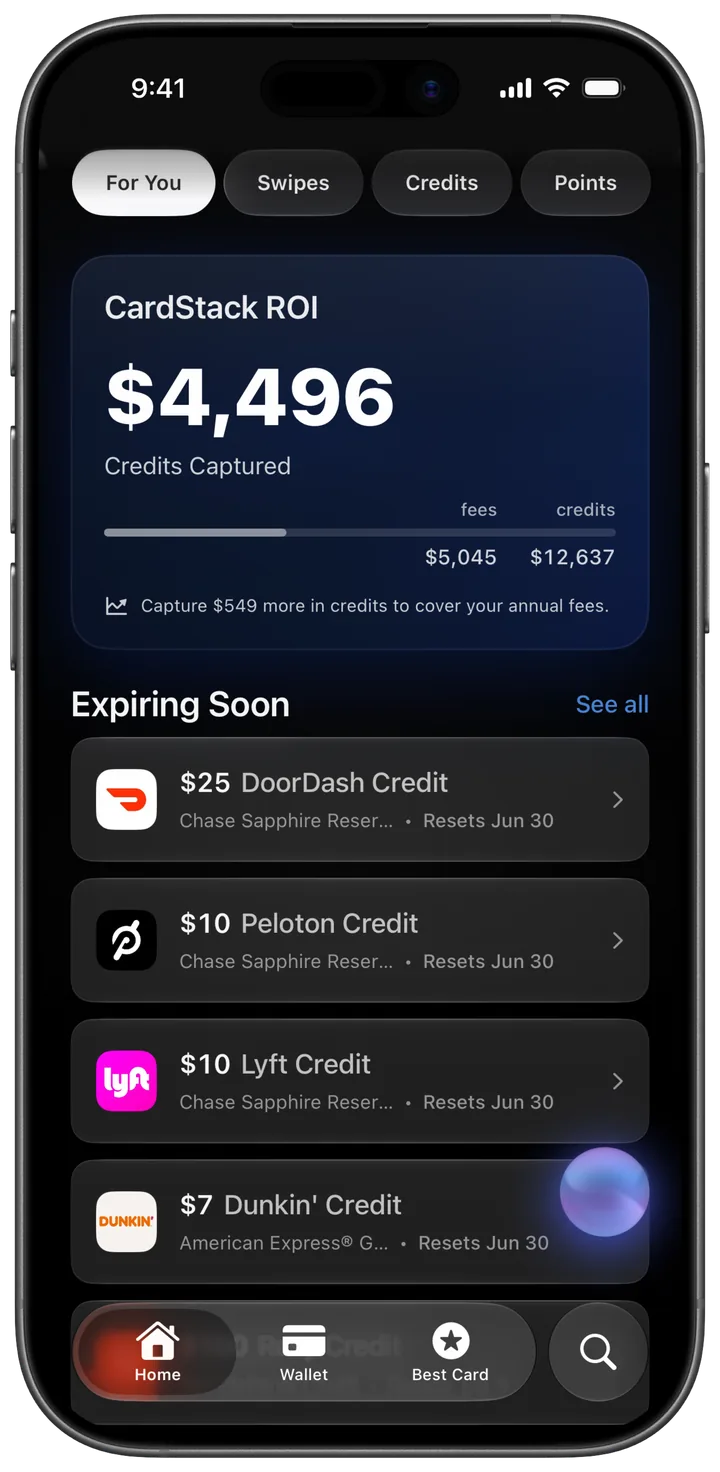
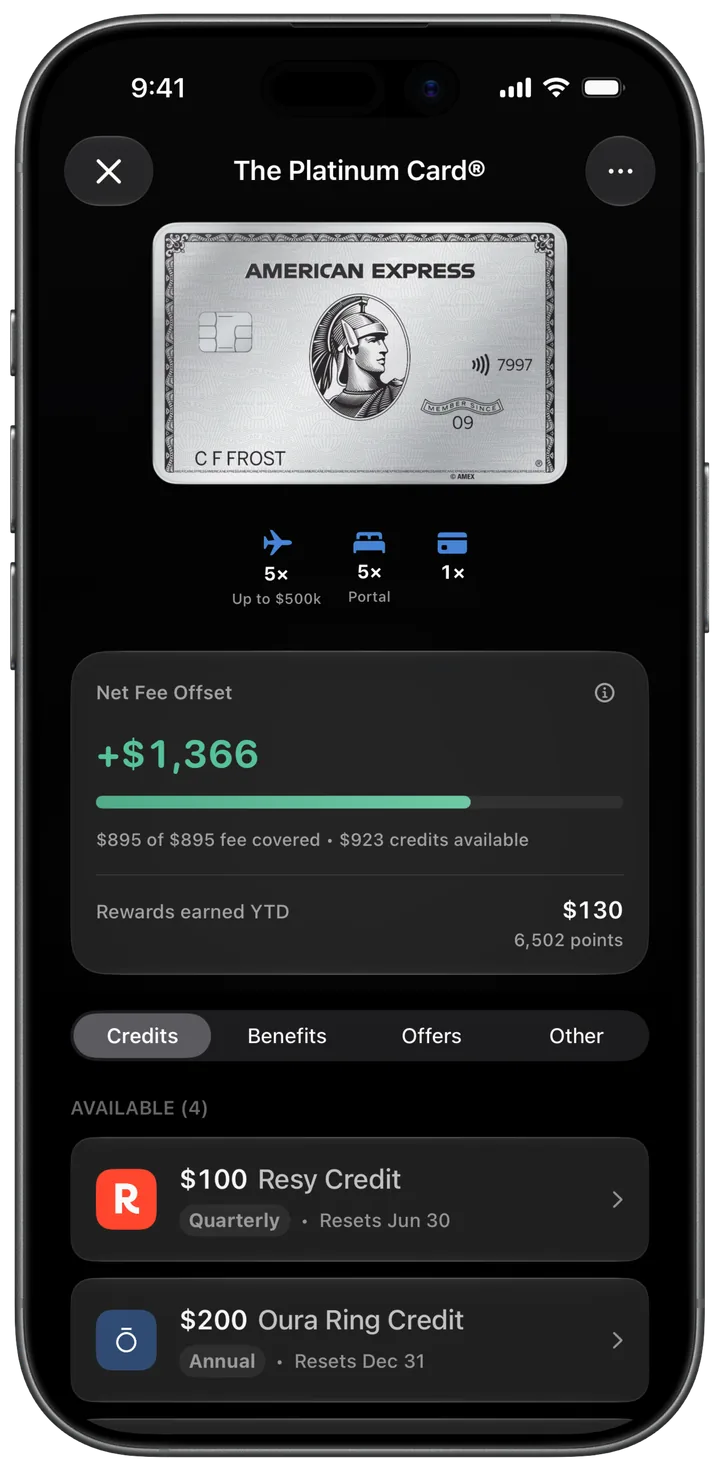
The CardStack app tracks the Adobe credit on your Business Platinum with the rest of your credits, and can help you see how close you are to the $600 threshold.
Is it worth it?
If your business already pays $600 or more a year for Adobe software, this credit effectively discounts that spend by $250 for free. If your Adobe spend is well under $600, it’s not worth spending more just to hit the threshold, since the credit is capped at $250 regardless of how much you spend above $600.
Frequently Asked Questions
Does the credit apply more than once if I spend well over $600?
The credit is a single $250 statement credit per calendar year, not a repeating match on every $600 spent.
Does it matter which Adobe products I buy?
Amex’s terms describe the credit as applying to purchases made directly with Adobe, without limiting it to one specific product.
Maximize Your Credit Card Rewards
CardStack automatically tracks your benefits, activates your Amex and Chase offers, and shows you the best card at checkout so you can save more money and earn more points.



CardStack Insiders
Newsletter
Card news, standout deals, and product updates—straight to your inbox.
By signing up, you agree to our Terms and Privacy Policy. Unsubscribe anytime.
Read Next
Related articles